Construction Operations Manager
Safety records, certifications, project documentation and crew hours in one system, filled in from the field. For the person who has to know what’s happening on every job without driving to each one.
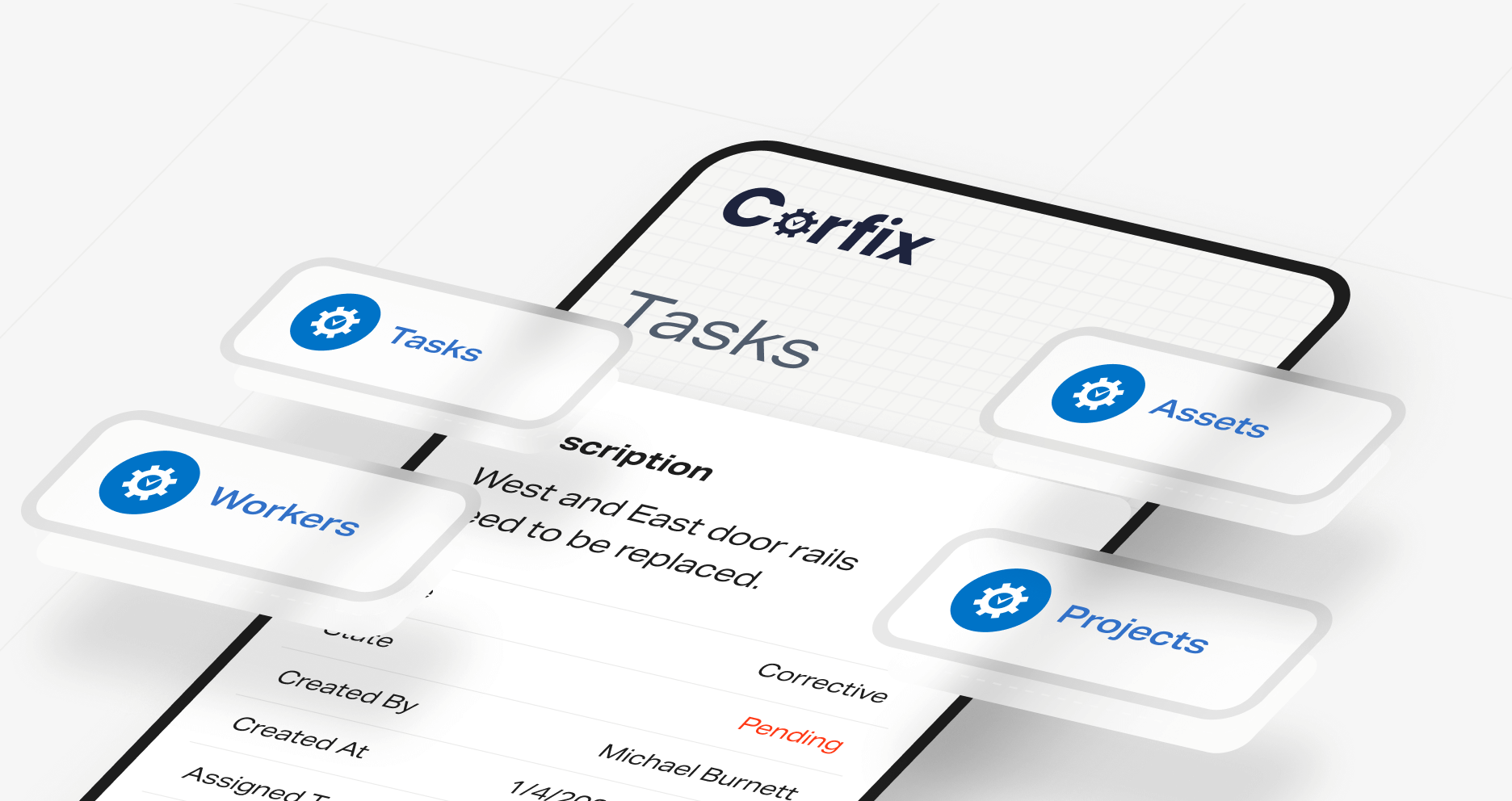
Corfix is a safety management and worker enablement platform for construction contractors
Crews enter forms, photos, notes, tasks, and certifications directly on site to maintain a single live record for each project. Every crew runs identical inspections, hazard assessments, and daily logs, which are stored in a unified format. You can book crews by the day while automatically checking certifications and scheduling conflicts at the moment of booking. Timekeeping can be enabled in the same app when your team is ready.
Crews use one mobile app for safety forms, scheduling, certifications, project notes, photos and tasks, and the office sees all of it as it comes in. Add Timekeeping and the same app handles hours, so the field logs into one place and you manage from one place. See what's in Corfix Core.
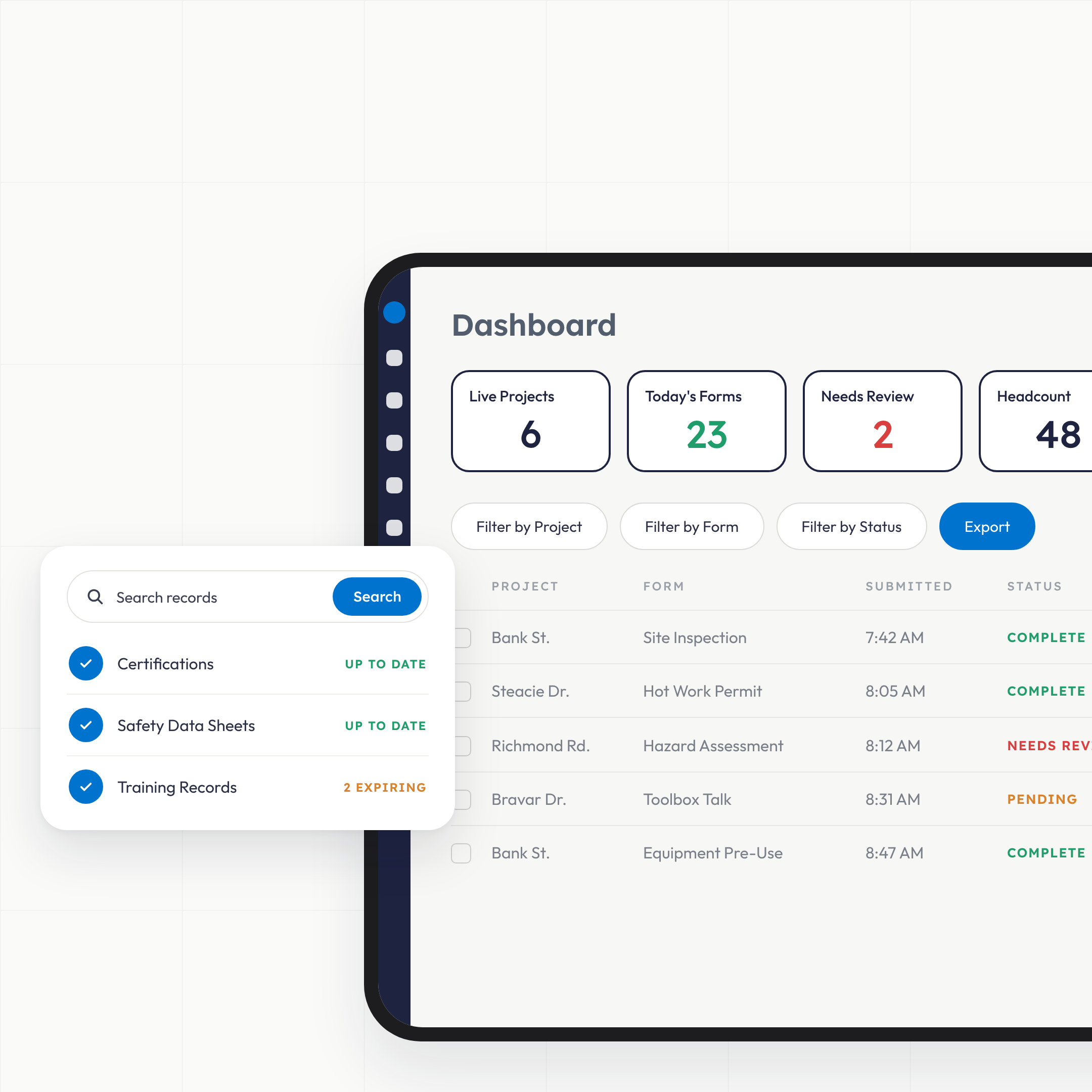
What does construction safety software do for an operations manager?: Visibilty
It gives you one live record of what’s happening on every project, built from what crews enter on their phones. Safety is where the paper is, so that’s where the record starts: inspections, hazard assessments, toolbox talks and incident reports arrive as they’re completed. Around that sit project details, site photos, notes, tasks and the certifications every worker holds. You stop reconstructing the week from texts and jobsite folders, and you stop finding out about a problem site when the GC calls.
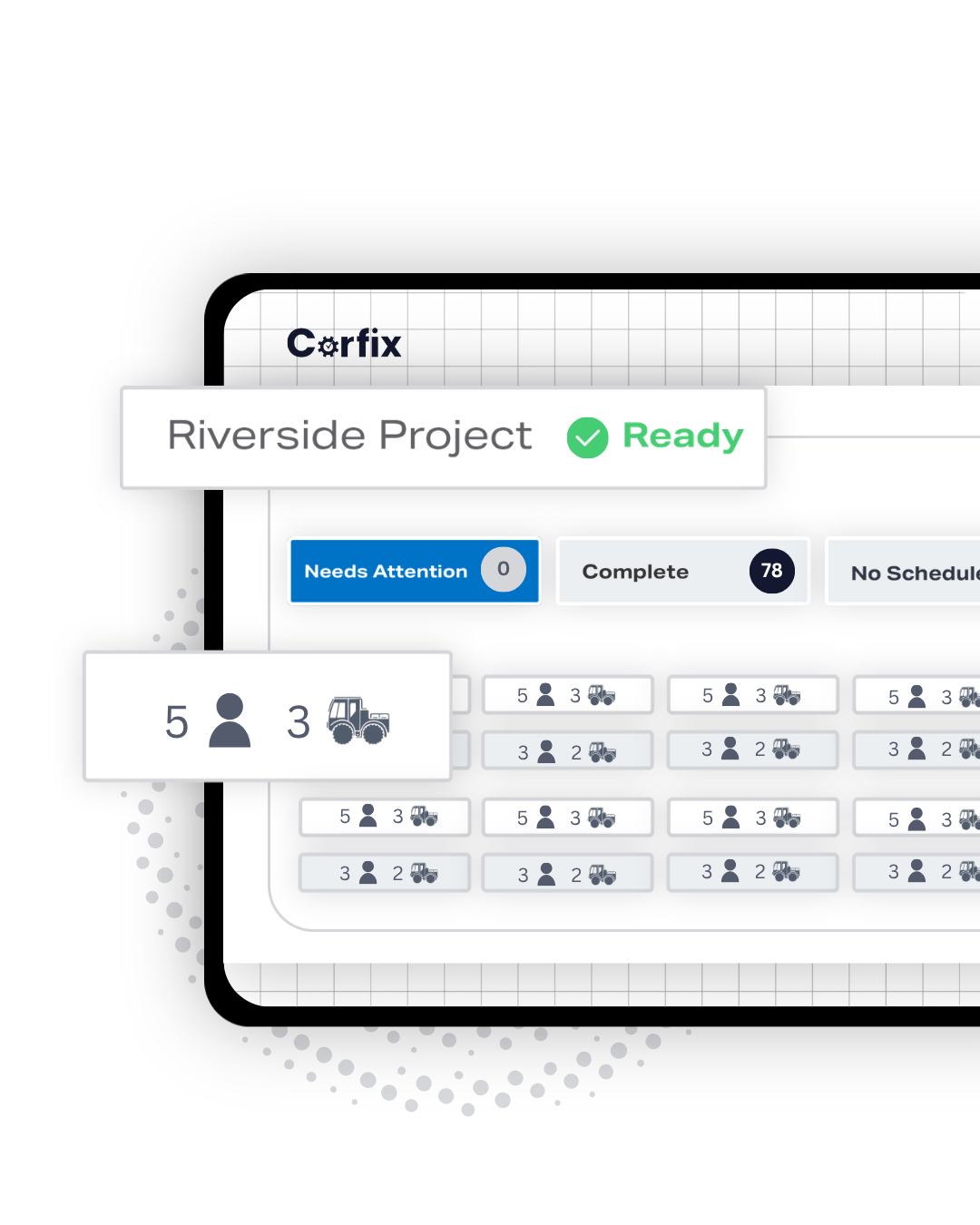
How do I see what's happening across every project without driving to each one?: Centralization
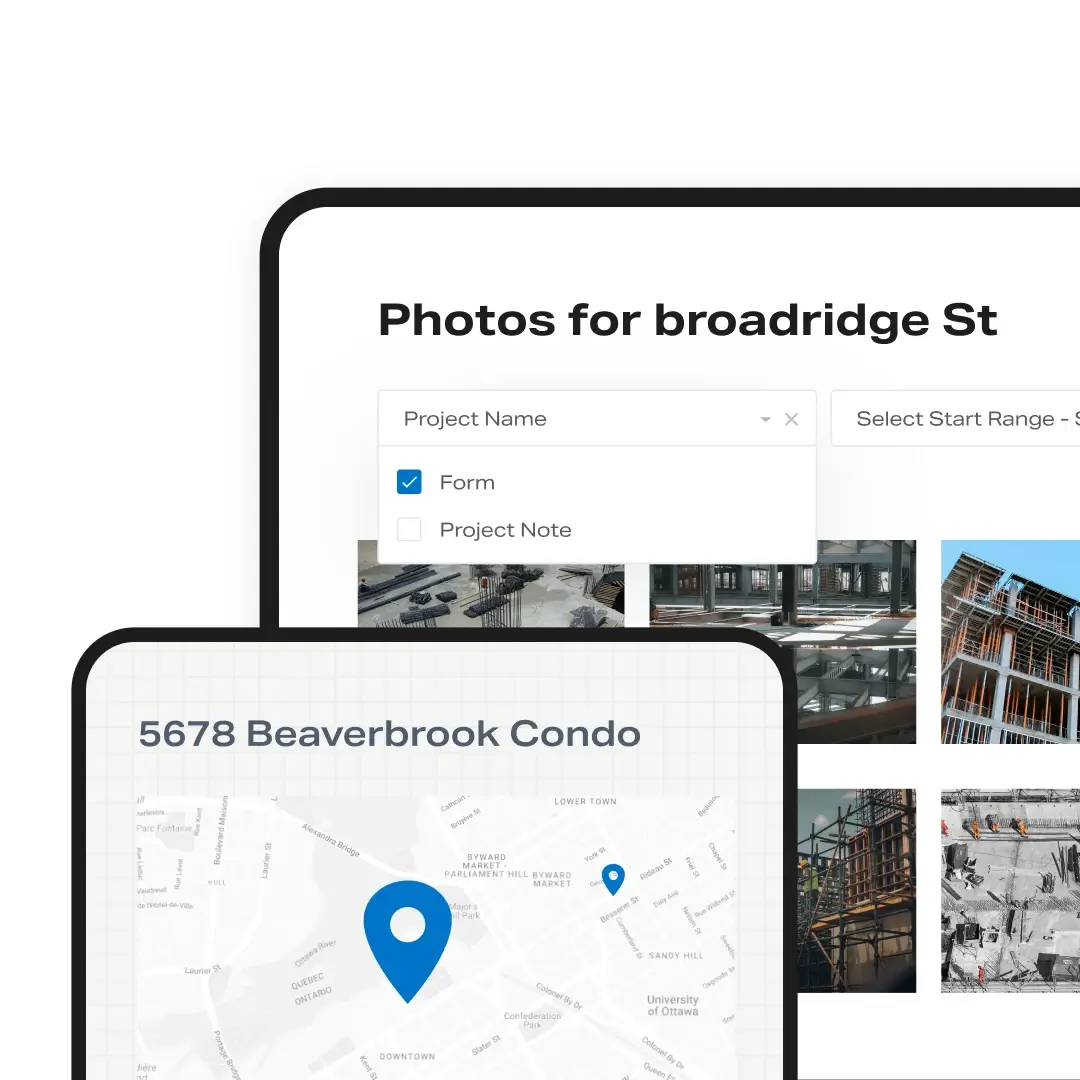
Open the project. Every Corfix project holds its notes, contacts, photos, site-specific binders, the forms filled out on it and the tasks assigned to it, in one view from the office or the truck. A run of incident reports or open corrective tasks on one job tells you which site needs a visit before you’ve been asked. Dashboards and reports roll the same data up across projects, so the Monday question of where the risk is this week has an answer.
- Project details, photos, notes, tasks and completed forms in one place
- Site-specific binders (drawings, procedures, SDS) opened by QR code on site
- Reports across projects for the office and for the GC who asks
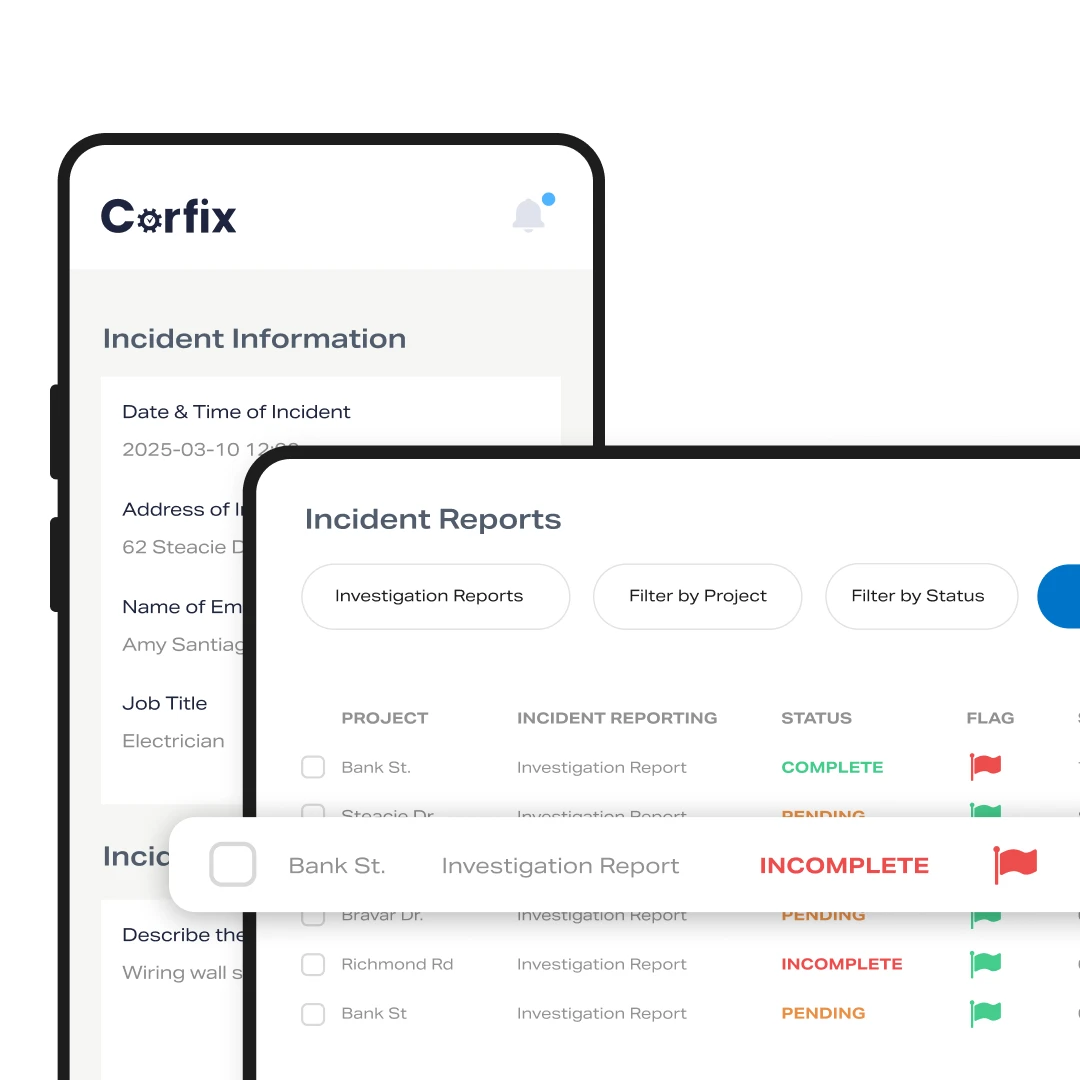
How do I know the right people, with the right certifications, are on the right job?: Compliance
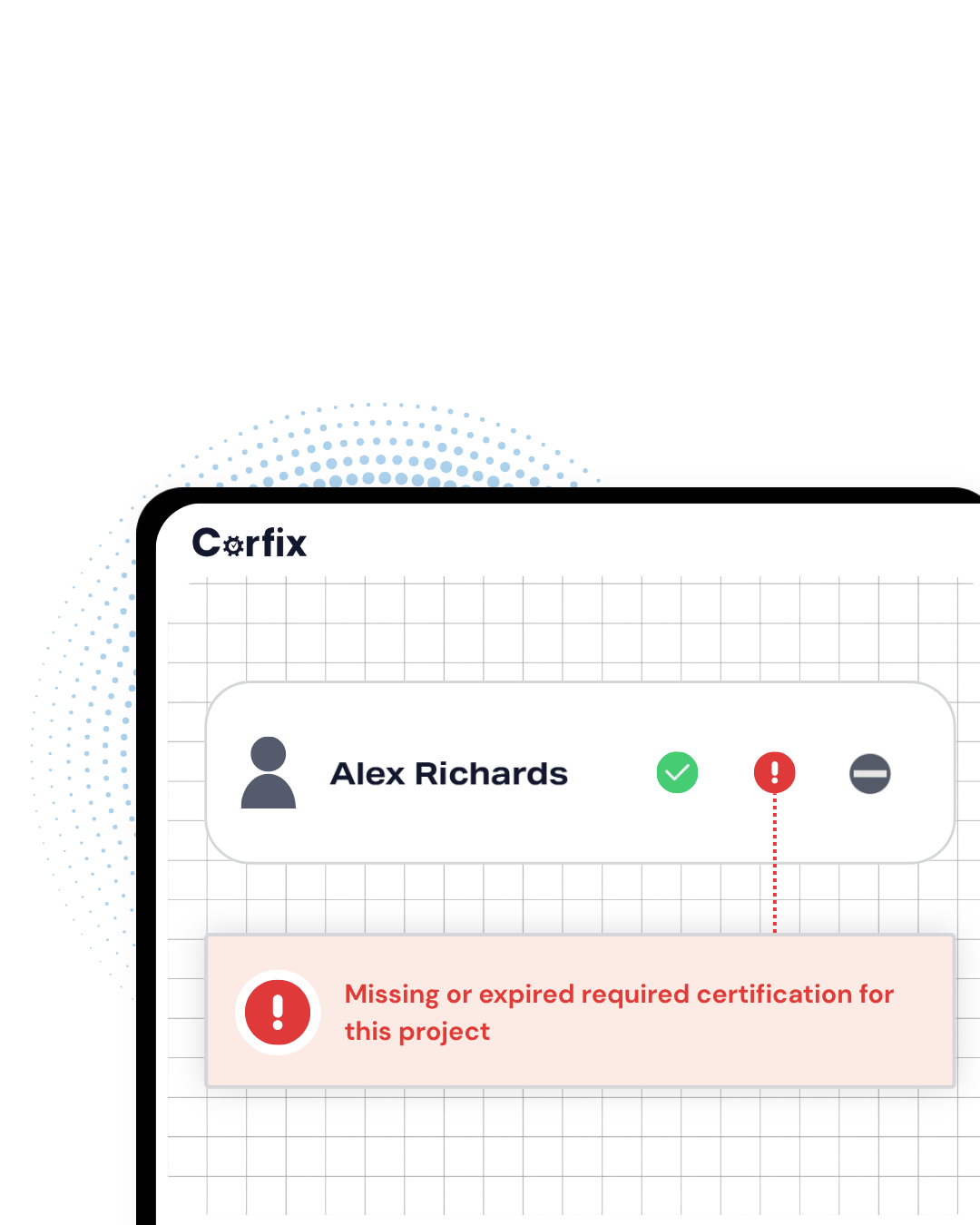
Certifications live on the worker’s profile and are visible from the office and the site, with notifications before they expire. You see who holds what and who’s about to lapse before it costs you a day on a job that requires it. When you book a worker onto a project that requires a certification they don’t hold, it gets flagged at the moment you book them. The crew gets their assignment on their phones with the day’s notes attached.
- Certifications per worker, with expiry notifications
- Digital certificates crews can show a GC or inspector on site
- Certification mismatches flagged when you schedule, before they’re an issue
How do I get every crew doing things the same way?: Standardization
Standardize the forms and the tasks, then let the software enforce them. When each foreman runs safety and daily documentation their own way, nobody can audit anything and nothing scales. Corfix templates give every crew the same inspection, the same hazard assessment and the same daily log, completed the same way and stored the same way. Task management assigns the follow-up work with an owner and a due date. Contractors that grew past the point where one person could hold the paperwork in their head tell us this is the change they noticed first.
How does a clean safety record help us win work?: Auditability
General contractors and owners ask for it, and a record you can export on request answers faster than one in a filing cabinet. Prequalification packages want your forms, your training records and your certifications. In Canada, COR certification is increasingly the minimum for municipal and institutional bids, and the audits behind it run on documentation. Corfix keeps every record organized by project, date and worker and exports it in a few clicks. One Ontario contractor achieved COR on Corfix and cut internal audit preparation from three months to two weeks; another prepared for COR while nearly doubling in size. Read the customer stories.
How do I schedule crews with the right certifications?: Integration
Because the person who builds the schedule decides who stands in front of which hazard. Every time a worker is booked onto a site, someone has decided that this person, with these certifications, on this day, is the right one for that work. On paper or in a spreadsheet, that decision is made without the safety information in front of it, and the safety manager finds out who was on site after the fact. In Corfix the schedule and the safety record are the same system. When you book a worker onto a project that requires a certification they don’t hold, it’s flagged at that moment. When two commitments collide, you see the conflict before the crew does. And the worker gets the assignment and the day’s notes on the same phone they’ll use for the morning’s hazard assessment. That’s why scheduling is in Corfix Core rather than sold beside it. For an operations manager, that means the weekly schedule is built with the same information the safety manager works from, and neither of you is reconciling two systems on Monday.
- Certification mismatches flagged when you book, before an inspector ever asks
- Conflict warnings before a double-booking reaches the site
- Assignment and the day’s notes delivered to the worker’s phone, beside the day’s safety forms
What changes when we add Timekeeping?: Efficiency
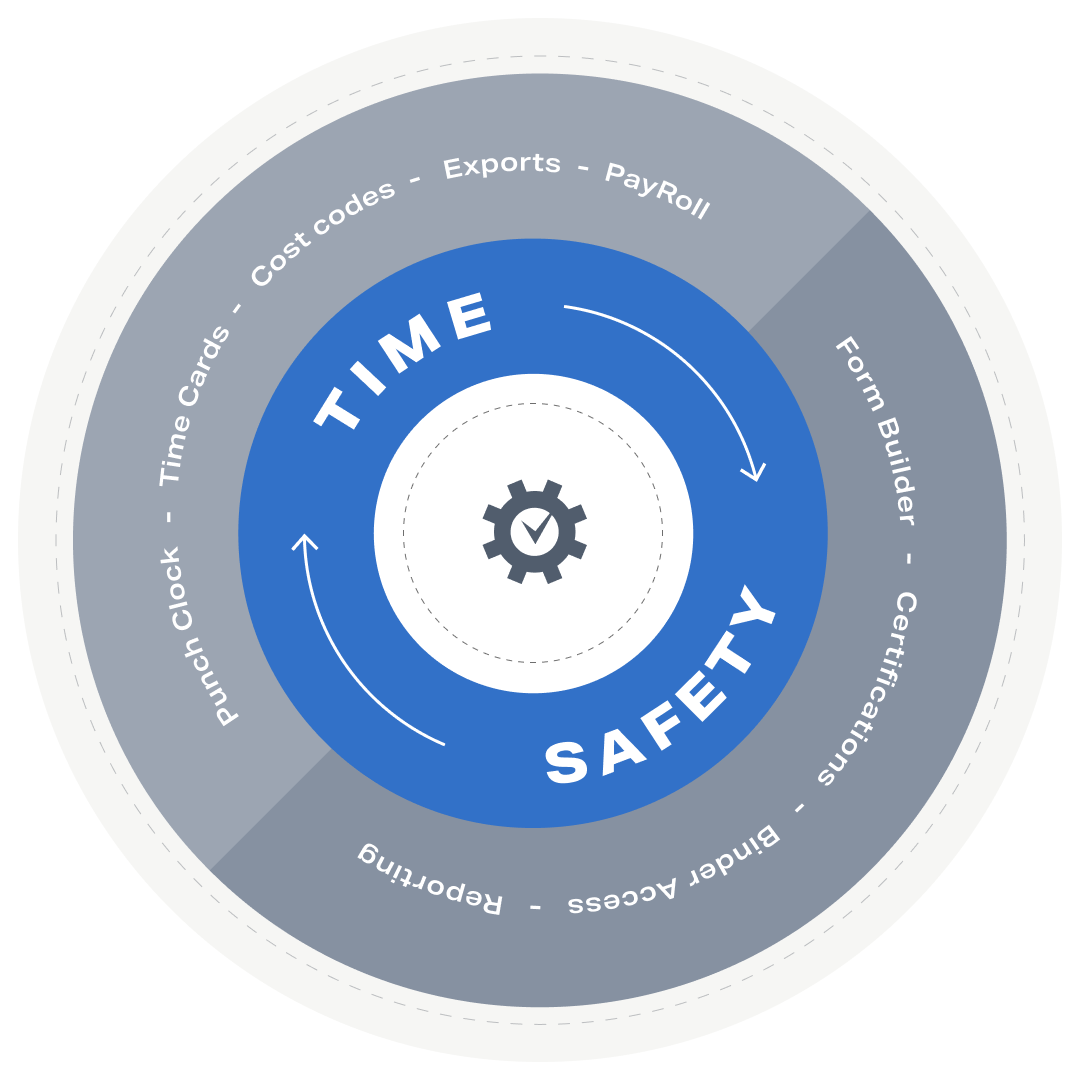
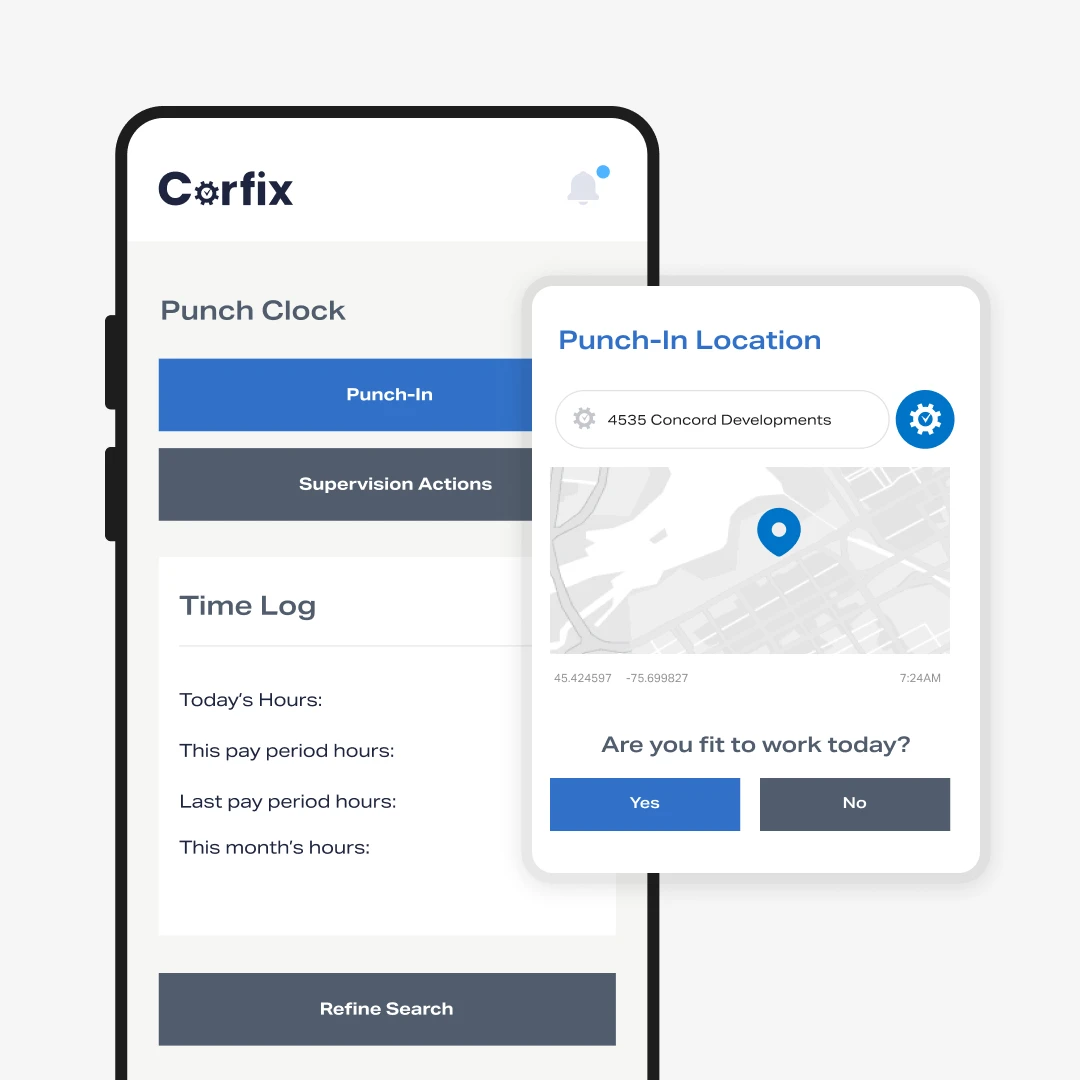
The field logs into one app for everything, and the office stops reconciling systems. Timekeeping gives you GPS-enabled time cards, clock in and out from the phone, and approvals before hours reach the payroll file. It’s an add-on to Corfix Core, so the safety forms, certifications, schedule and project records are already there when hours arrive.
- GPS-enabled time cards, mobile clock in and out, approval
- Hours land against the right project without transcription
- One login for the field, one system for the office
OPERATIONS MANAGERS: Frequently Asked Questions
The person who owns operations at a construction contractor: an operations manager, a project manager with real authority, an owner or general manager at a smaller company, or a COO at a larger one. If your job is knowing what’s happening on every site and keeping crews productive and compliant, this is for you.
No. Corfix Core covers safety forms, certifications, scheduling, binders, projects, tasks, reporting and more. Timekeeping is an add-on module you can turn on when you’re ready.
Corfix runs the field side: safety, certifications, project documentation, hours and crew schedules. Contractors that use construction management or ERP software keep it and use Corfix for what happens on site.
Onboarding and training are included, and our Customer Success team builds your existing forms into Corfix as part of it. Most contractors go live crew by crew rather than all at once.
Per worker per year for everyone in the system, plus an annual platform fee that covers onboarding, training and support. See pricing or book a demo for a quote.
Operations Managers Who Trust Corfix
We’ve only been using the Corfix software for a short time but we’ve seen measurable results in time efficiency for the field crews. The field crews were extremely responsive and welcoming to a software that no longer relied on hand written paperwork.
Kasey S., COO, construction, Capterra
Corfix has allowed us to increase our buy-in with respect to safety reporting in particular by a multiple we cannot describe.
Tom C., Vice-President, Operations, Capterra
Corfix is one complete platform that we can use to manage our internal safety program. It is also very flexible as it allows us to share the use of the program with our external third party safety company which allows us to comply with our SECOR / COR designation.
Simon S., General Manager, construction, Capterra
We have implemented it across provinces and in other countries and it continues to deliver exactly what we need!
Jeff C., President, construction, Capterra
The mobile app is straightforward enough for field guys to actually use, which matters in construction. I also like that everything is stored in one place instead of chasing texts, photos, and paperwork across different apps.
Denver C., Vice President of Operations, construction, Capterra
Project creation, site address, site contact information and Notes. Punch in and out feature for field crews. Project specific ease of tracking hours used.
Joe C., VP Operations, construction, Capterra
Corfix is a system that was designed by industry experts and it shows.
Albert R., General Manager, construction, Capterra
Know what’s happening on every job. From wherever you are.
Book a 30-minute demo and bring your worst paper form. We’ll show you what it looks like in Corfix.