Construction Safety Manager
Every form, every certification and every incident on one screen, filled in by crews on the phones they already carry. Built for the safety manager who’s responsible for sites they can’t stand on all day.
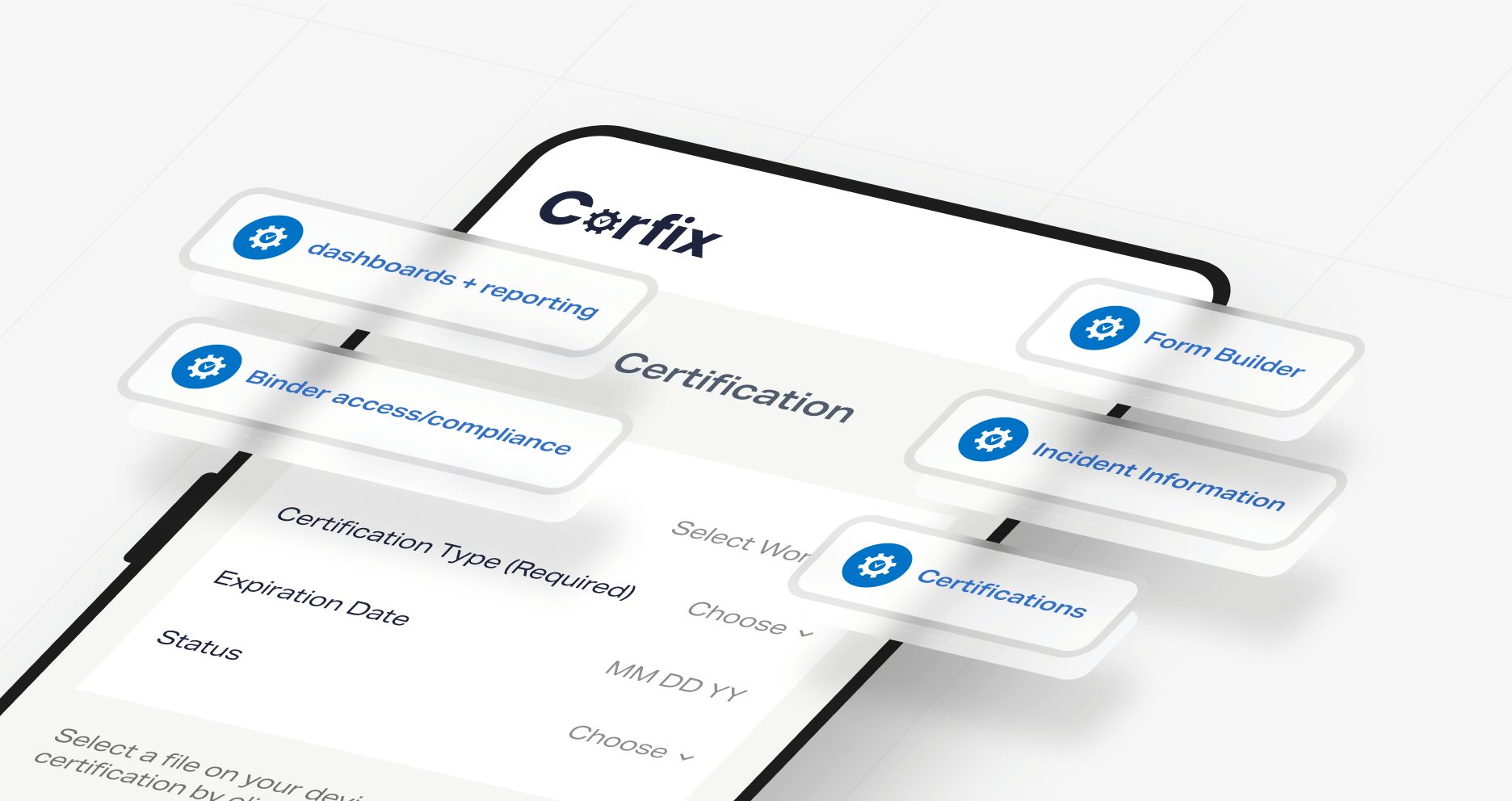
Corfix is construction safety management software built for contractors running crews across multiple jobsites.
Your forms, rebuilt for phones, completed offline and flagged on arrival when something's off. Every certification tracked per worker with expiry notifications and export for audits and pre-qualification. Incidents and near misses reported from the site with photos, routed to you, and closed as tracked tasks.
Crews complete inspections, hazard assessments, toolbox talks and incident reports on their phones, and the records land in your dashboard the moment they sync. You get the completed form instead of the chase, the current certification instead of the binder, and the near miss the day it happens.
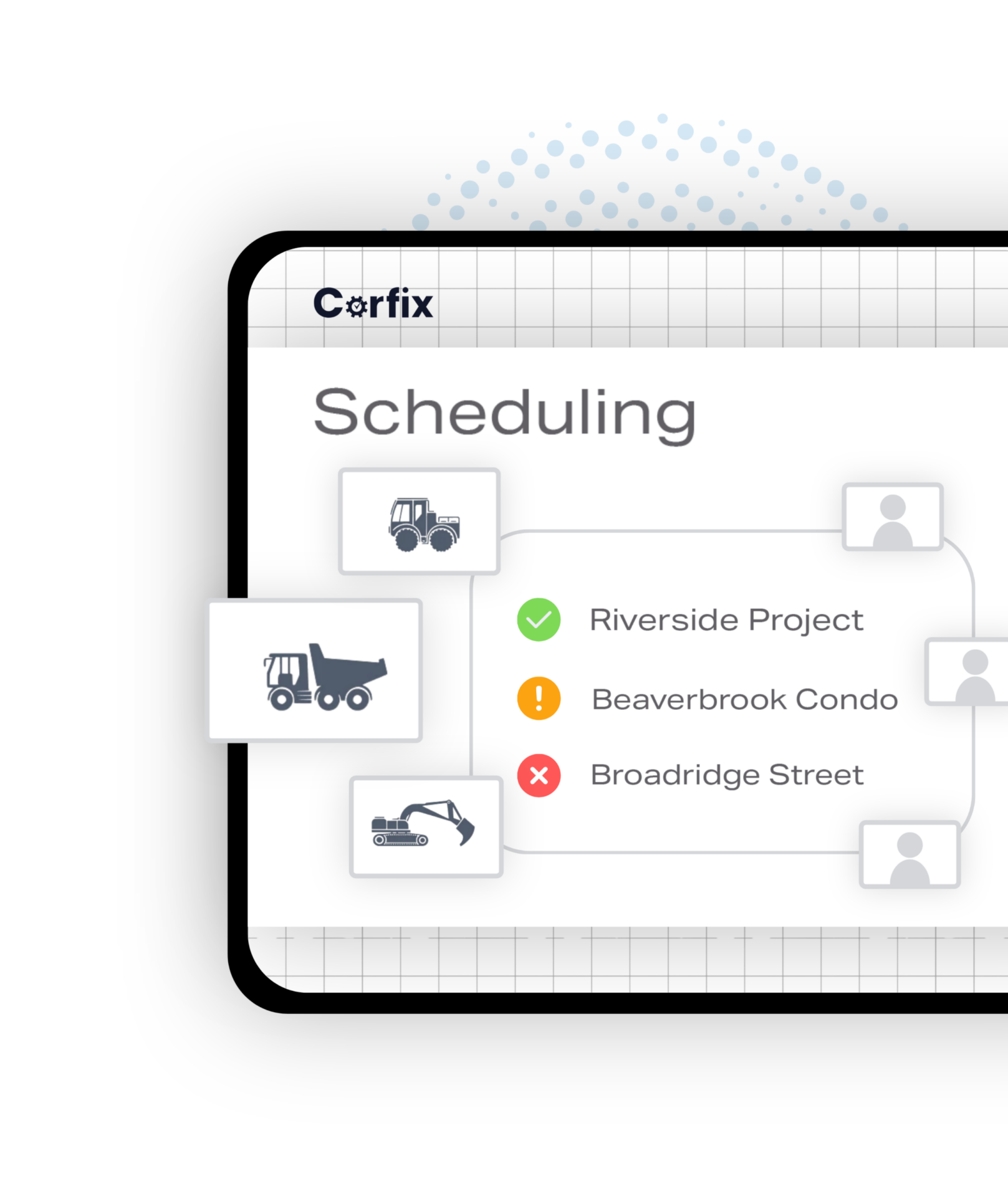
How do I schedule crews with the right certifications? : Every Scheduling Decision is a Safety Decision
Because the person who builds the schedule decides who stands in front of which hazard. Every time a worker is booked onto a site, someone has decided that this person, with these certifications, on this day, is the right one for that work. On paper or in a spreadsheet, that decision is made without the safety information in front of it, and the safety manager finds out who was on site after the fact. In Corfix the schedule and the safety record are the same system. When you book a worker onto a project that requires a certification they don’t hold, it’s flagged at that moment. When two commitments collide, you see the conflict before the crew does. And the worker gets the assignment and the day’s notes on the same phone they’ll use for the morning’s hazard assessment. That’s why scheduling is in Corfix Core rather than sold beside it.
- Certification mismatches flagged when you book, before an inspector ever asks
- Conflict warnings before a double-booking reaches the site
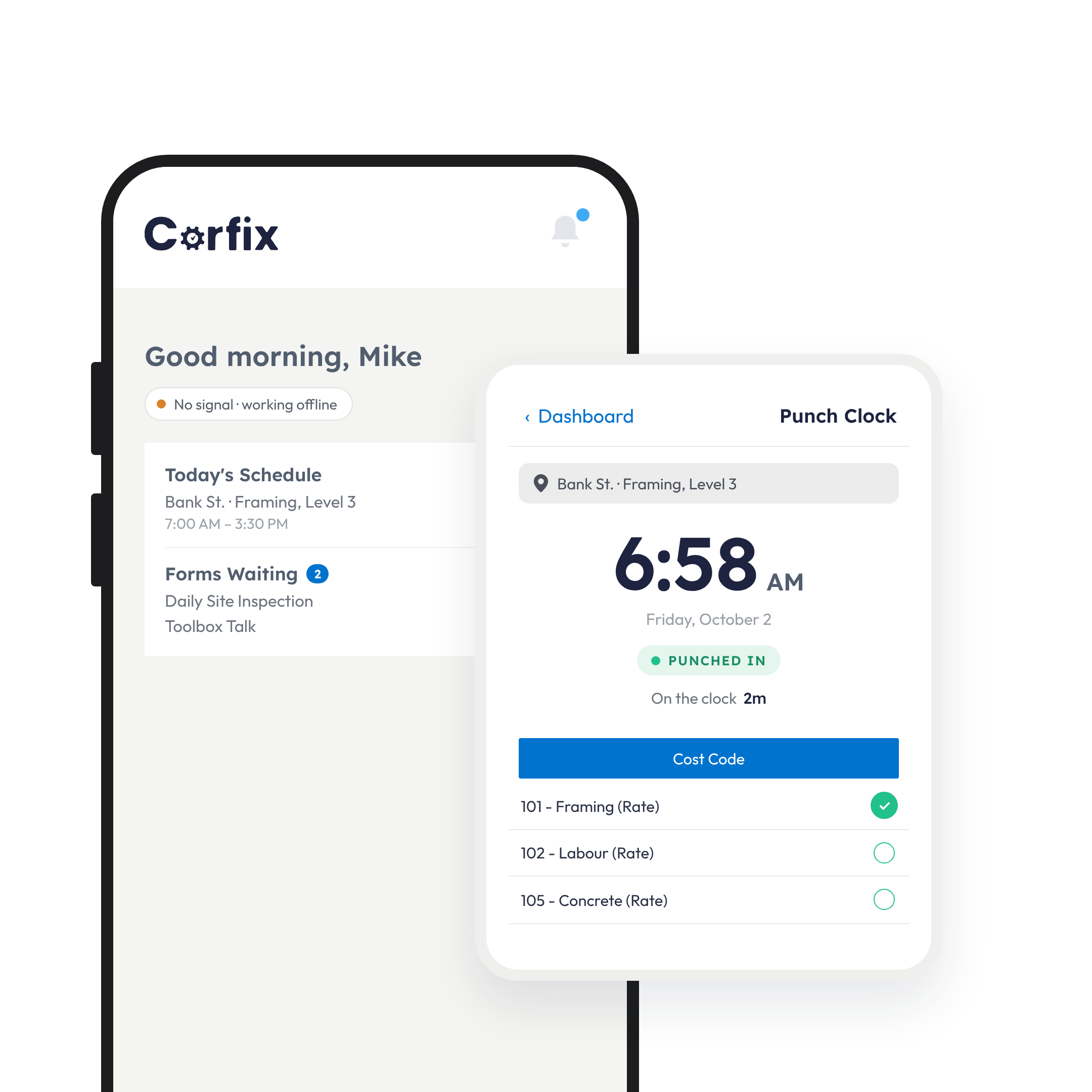
- Assignment and the day’s notes delivered to the worker’s phone, beside the day’s safety forms
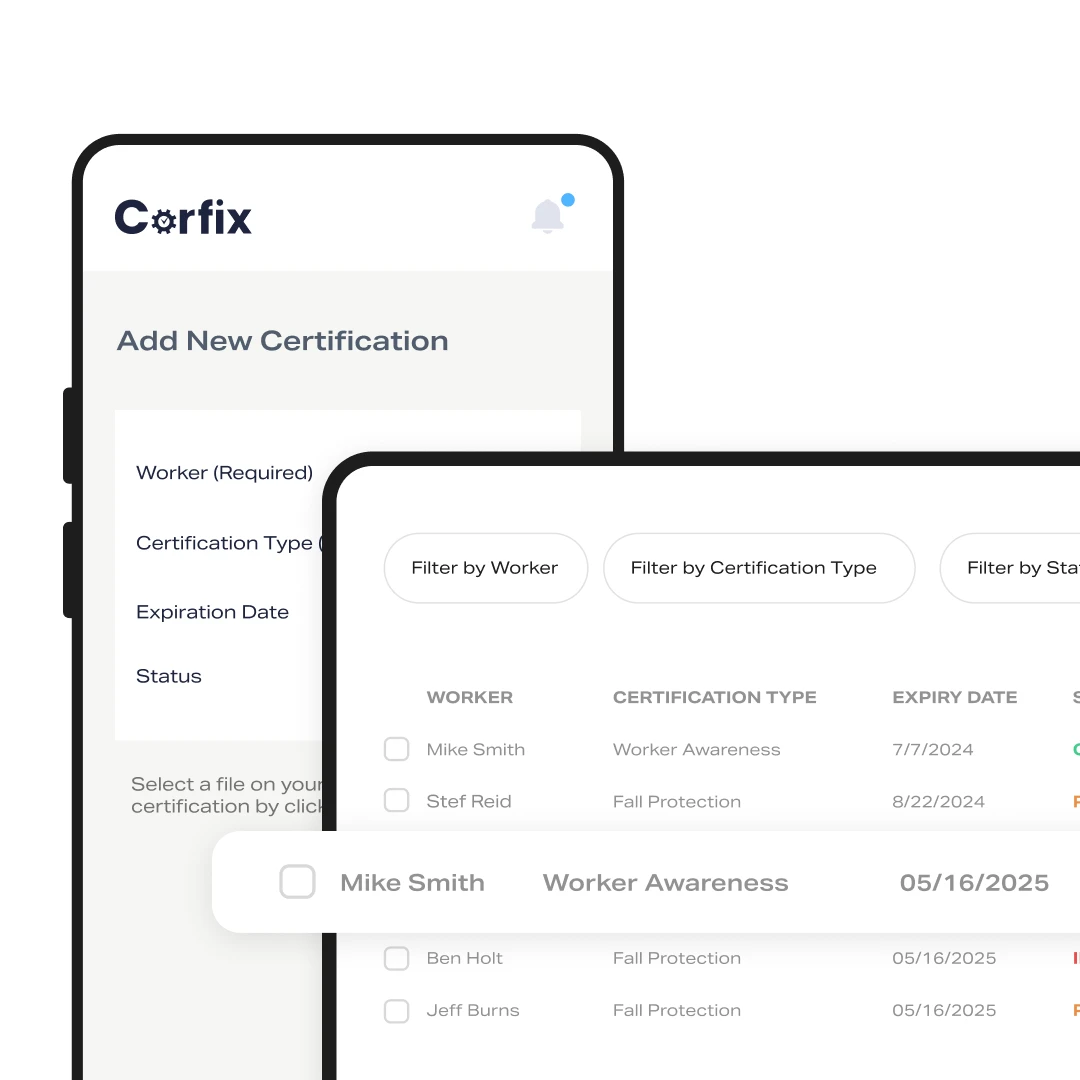
How do I track certifications across every active job?: Digital Certs
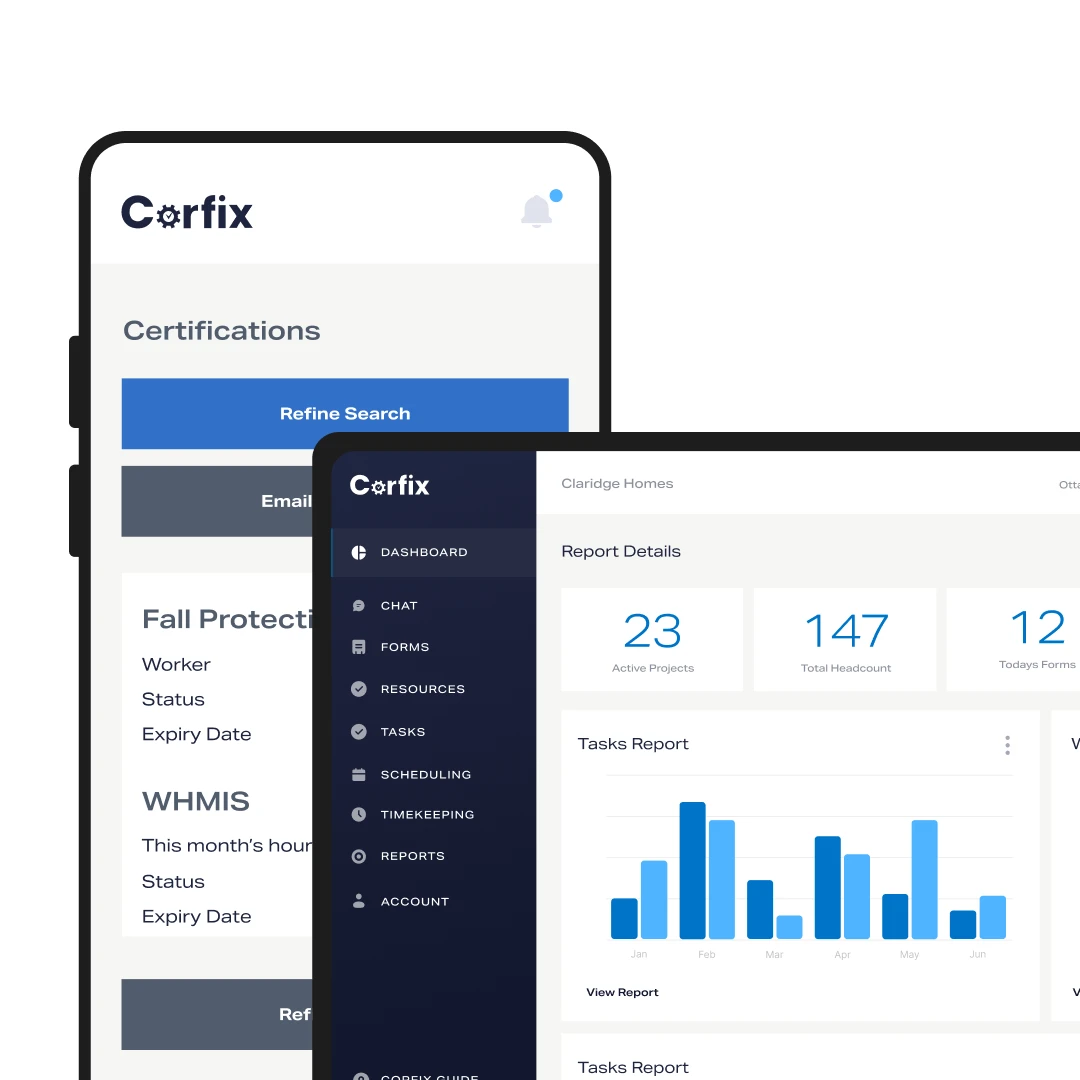
Keep them on the worker’s profile, get notified before they expire, and export the lot when someone asks. Certifications in Corfix are visible from the office and from the site. You see what each worker holds, when it runs out and who’s due for renewal before it becomes a problem mid-project. Notifications go out ahead of expiry dates, workers carry digital copies on their phones, and the full record exports in a few clicks for an audit or a GC’s prequalification package.
- Certifications tracked per worker, with expiry notifications
- Digital certificates crews can show on site
- Export the full record for audits and prequalification
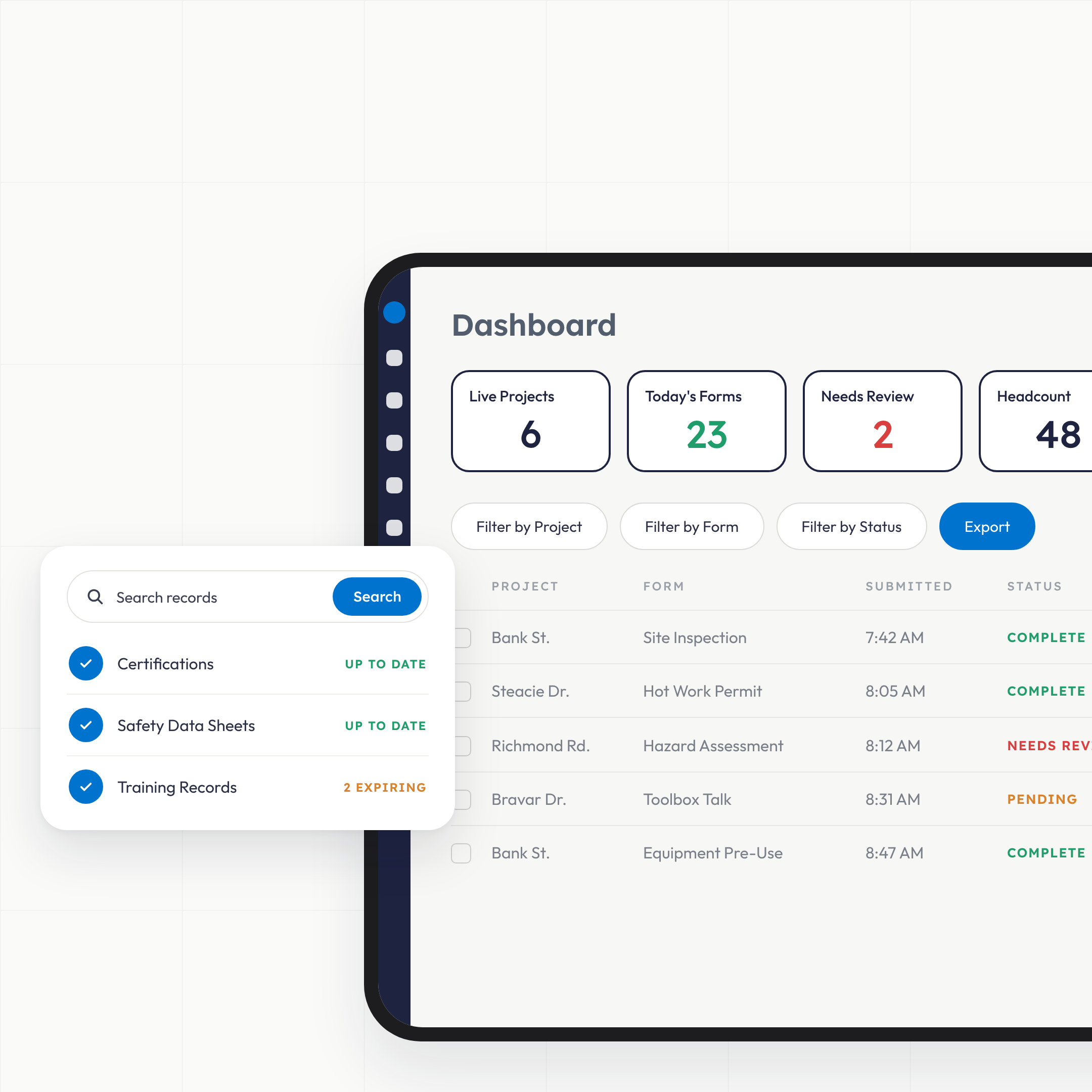
What does safety management software do for a construction safety manager?: Visability
It moves the paper side of your safety program onto phones and puts the completed records in one place you can search. In practice that means your inspections, hazard assessments, permits and toolbox talks get filled out where the work happens, arrive in your dashboard as they sync, and get flagged on arrival when something’s incomplete or needs a second look. Certifications, safety data sheets and training records live in the same place, so when an inspector, a general contractor or an auditor asks for documentation, you pull it up instead of driving it over.
How do I stop chasing safety forms and start reviewing them?: Pre-Set Workflows
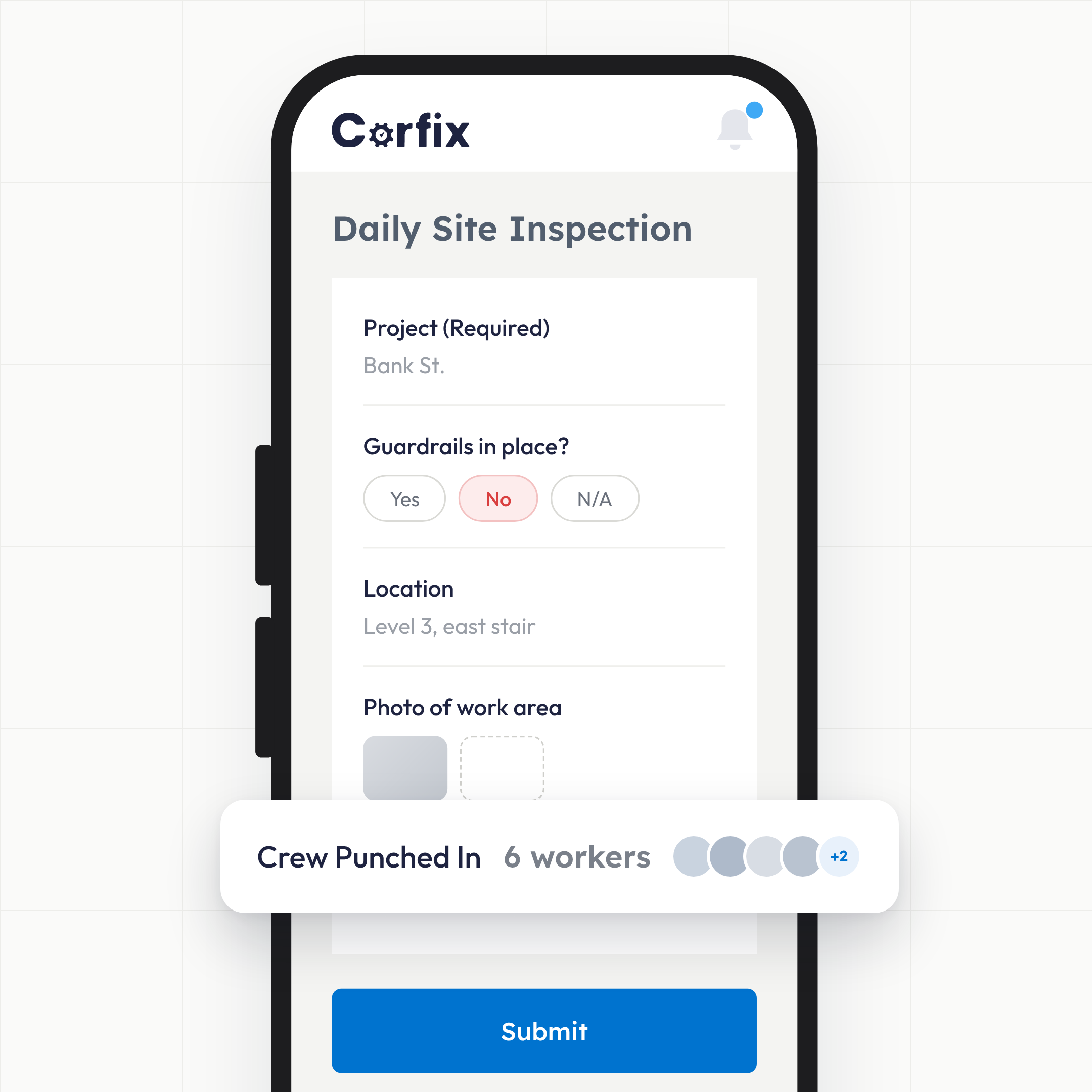
Build the forms once, let crews complete them offline, and let the software tell you which ones need your attention. Any form your program uses today can be rebuilt in the Corfix template builder. Forms work without a signal and sync when the phone reconnects. Submissions that come back incomplete or with something concerning are flagged the moment they arrive, and Corfix Assist adds a plain-language summary to the top of every completed form so you read the point in seconds and open the full record only when you have to.
- Build any form yourself
- Offline completion in the field, synced when the signal returns
- Flags on incomplete or concerning submissions as they arrive
- A plain-language summary at the top of every completed form
- Compare this to running the same program on paper
How do near misses actually reach the office?: Real-Time Notifications
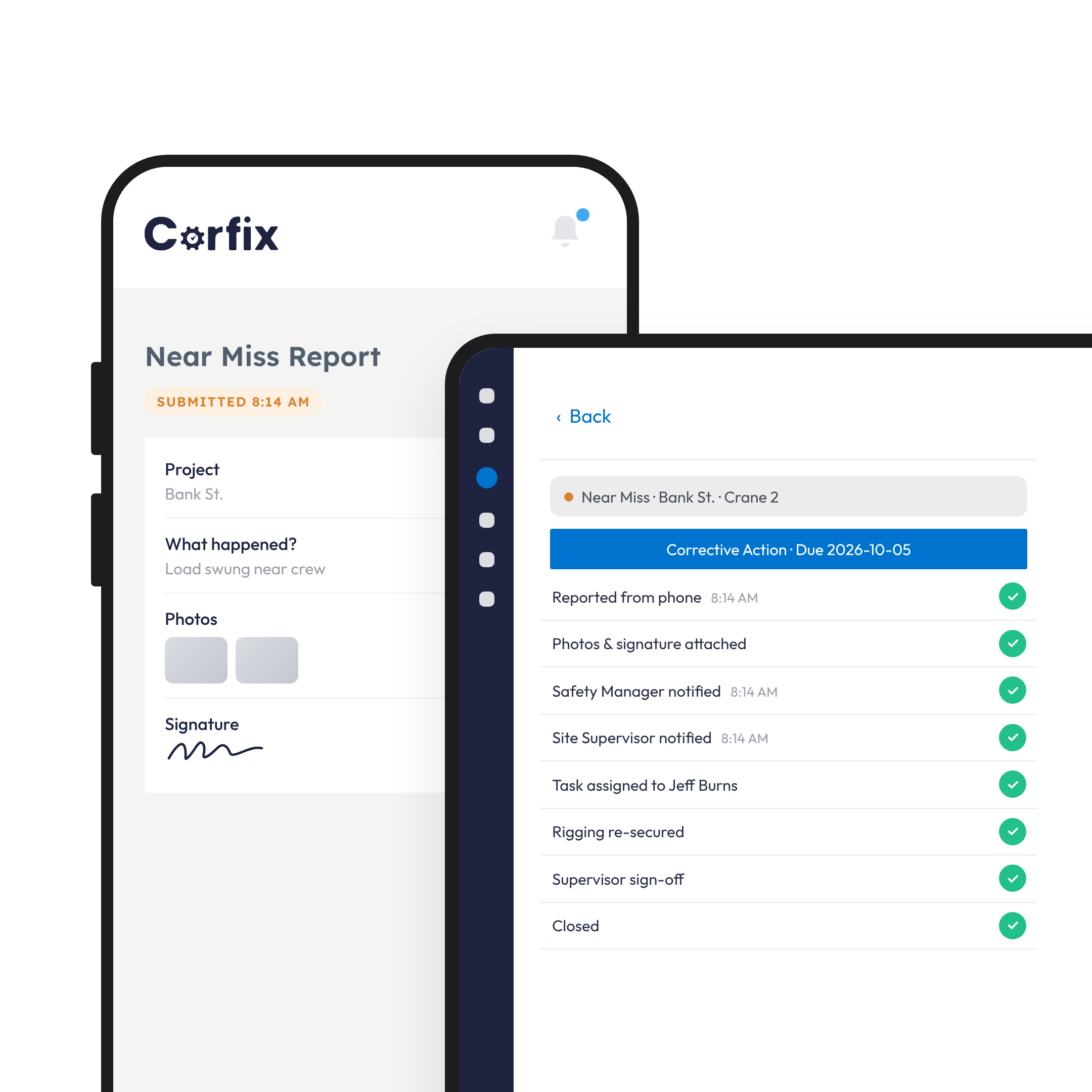
Any worker reports from their phone, the report routes to the people who need it, and the follow-up becomes a tracked task. When the only incidents that reach you are the ones too big to hide, the program is running blind. In Corfix a worker files an incident or near miss with photos and a signature in a couple of minutes, the right people are notified, and the corrective action becomes a task with an owner and a due date that you can watch to completion. QR codes let visitors and subcontractors report without an account.
- Incident and near-miss reporting from the phone, with photos and signatures
- Corrective actions assigned as tasks and tracked to done
- QR code reporting for visitors and subs
Will we be ready when an inspector or auditor shows up?: All Your Jobsite Data at Your Fingertips
Yes, because the documentation is already organized by project, date and worker. Safety data sheets, emergency response plans, policies and safe work procedures sit in digital binders anyone on site opens by scanning a QR code. Every completed form is stored against its project, date and worker, so a record from last month or last year is a search away. Corfix customers use those records for OSHA inspections, provincial ministry visits and COR audits across North America. One roofing contractor’s safety manager went from digging through months of jobsite folders to printing a worker’s full training history on request; a COR-certified Ontario contractor cut internal audit preparation from three months to two weeks. Read the customer stories.
- Binders for SDS, policies and procedures, opened by QR code on site
- Every form searchable by project, date and worker
- Records organized for OSHA, provincial and COR audits
What makes field workers use it?: Simplicity
It’s one app, it works offline for essential functions, and because the schedule lives in it, the crew opens it every morning to see where they’re working. Adoption is where safety software lives or dies. Corfix forms take a few minutes on a phone, work without signal, and run in English, French, and Spanish. A worker who checks tomorrow’s assignment in Corfix finds the day’s safety forms waiting in the same place, and when a contractor adds Timekeeping, clocking in happens there too. Onboarding and training for your team are included.
Safety Managers: Frequently Asked Questions
Corfix replaces the paper side of a safety program. Inspections, hazard assessments, toolbox talks, permits and incident reports are completed on workers’ phones and arrive in one dashboard, with flags on anything that needs attention. Certifications, binders and training records live in the same place, so the documentation an inspector or auditor asks for is already organized.
Yes. Any form your program uses today can be rebuilt in the Corfix template builder, or the Corfix Customer Success team will build it from your paper version during onboarding. The layout, questions and sign-offs stay yours.
Forms, certifications and binders work offline. Crews complete forms wherever they are and the records sync when the phone reconnects.
Corfix keeps every completed form, certification and training record organized by project, date and worker, and lets you export what an auditor or inspector asks for. One Ontario contractor used Corfix to organize its documentation for COR certification and cut internal audit preparation from three months to two weeks.
Crews already carry the phone. Forms take a few minutes and work offline, the app runs in English, French and Spanish, and because their schedule is in Corfix, workers open the app every morning to see where they’re going.
Corfix is priced per worker per year for everyone in the system, plus an annual platform fee that covers onboarding, training and support. See pricing or book a demo for a quote.
Safety Managers Who Trust Corfix
Built in distribution and filing of documents has been the equivalent of freeing up hours of my time a week, while ensuring compliance remotely by simply checking my dashboard.
James P., HSE Manager, construction, Capterra
One of the biggest advantages has been the ability to track and close out safety deficiencies in real time. This has significantly improved communication between field teams and management, reduced delays in corrective actions, and strengthened overall safety performance.
Verified reviewer, Director of Health and Safety, Capterra
The ability to complete safety forms, inspections, and reports digitally, and have them instantly accessible, saves a lot of administrative time and reduces errors.
Brett M., Health and Safety Supervisor, construction, Capterra
We have seen an increase in our workers utilizing Corfix that we did not experience with the previous platform.
Scott D., Construction Health and Safety Manager, Capterra
It ensures that documents are reviewed nightly, reducing the risk of missing or incomplete paperwork.
Kayla M., Health and Safety, construction, Capterra
We set out to improve two areas: completion of forms that were getting lost and tracking of employee training. We have succeeded in both areas. The best part about it is there was minimal blow back from employees when introducing the program.
Ted L., Safety Director, construction, Capterra
See your whole safety program on one screen.
Book a 30-minute demo and bring your worst paper form. We’ll show you what it looks like in Corfix.