COR Certification Software
Every record a COR auditor asks for, organized by project, date and worker as it’s created. Get certified, then keep it without a three-month scramble every audit cycle.
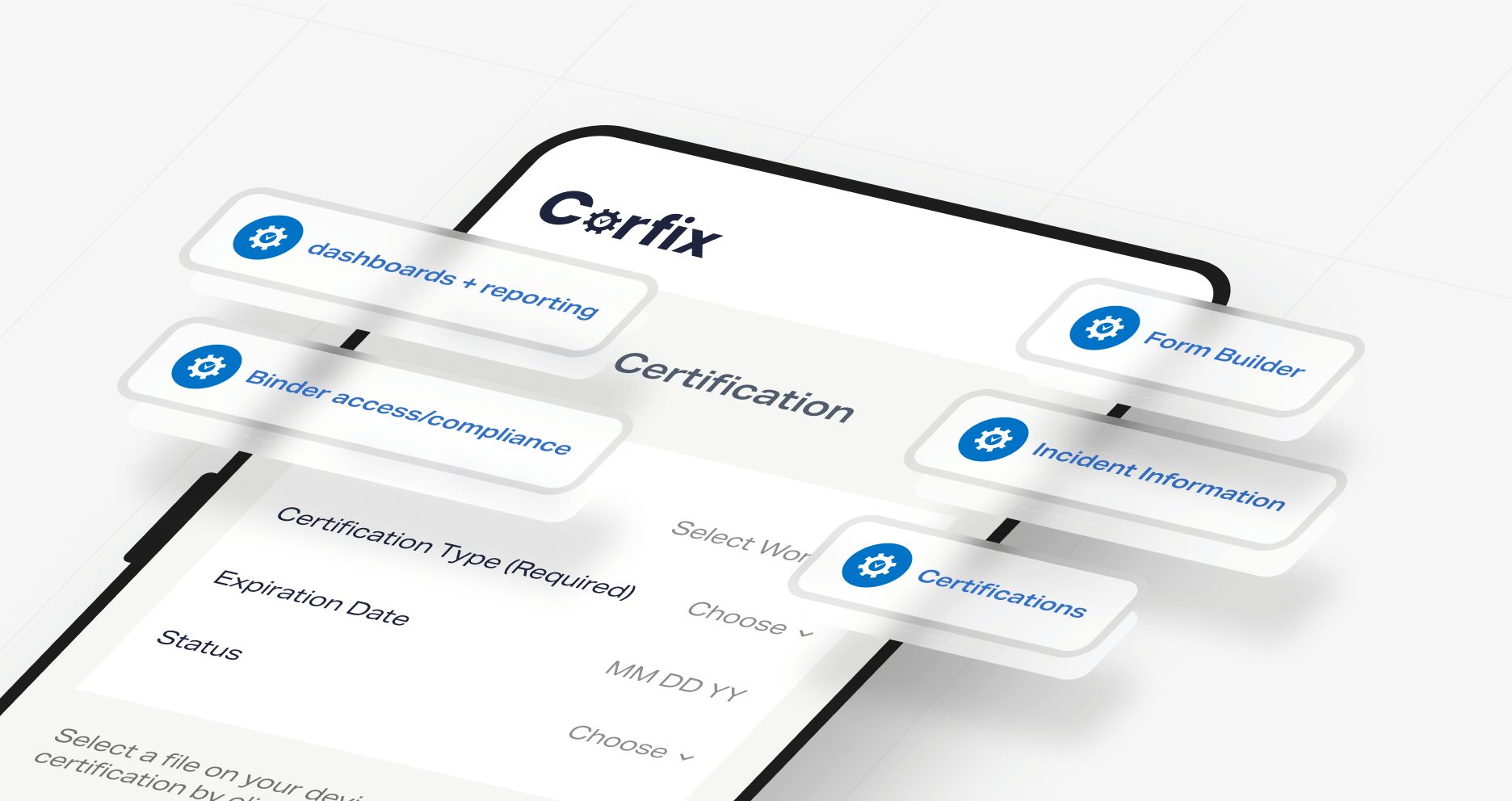
Corfix is construction safety software that contractors use to earn and maintain COR, the Certificate of Recognition administered by provincial construction safety associations across Canada.
Reduce COR audit preparation to a simple filter and export, helping contractors cut down their prep time. Every audit element, including hazard assessments, inspections, meetings, training, incidents, and plans, is captured in the field and filed by project, date, and worker. Forms are rebuilt to align with your province's audit requirements during onboarding in both English and French.
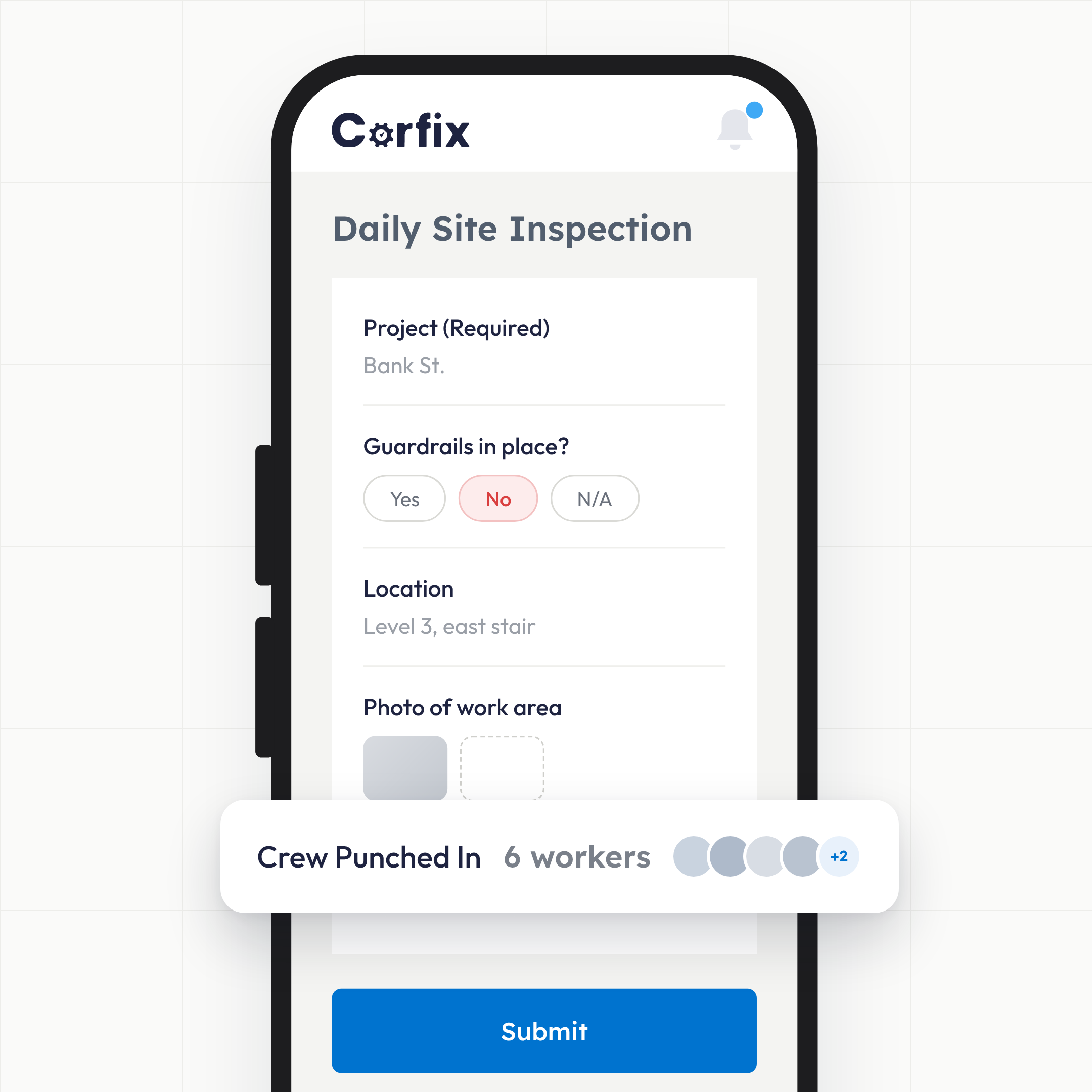
Crews complete hazard assessments, inspections, toolbox talks and incident reports on their phones. Corfix stores each one against its project, date and worker, tracks the training and certifications behind them, and exports the record when the auditor asks. One Ontario contractor achieved COR on Corfix and cut internal audit preparation from three months to two weeks.
What is COR certification software?: Verification
It’s the system that holds your health and safety management system’s documentation in the shape a COR audit expects. COR audits verify that the program in your manual is the program running on your sites, and they do it through records: proof that hazards were assessed, sites were inspected, workers were trained, meetings happened and incidents were investigated and closed. COR certification software collects those records as the work happens and keeps them retrievable for the internal audits and the external audit that certification depends on. Corfix does this as part of a broader safety management platform, so the same forms that satisfy the auditor are the ones your crews use every day.

What do COR auditors ask to see, and where does Corfix keep it?: Simplicity
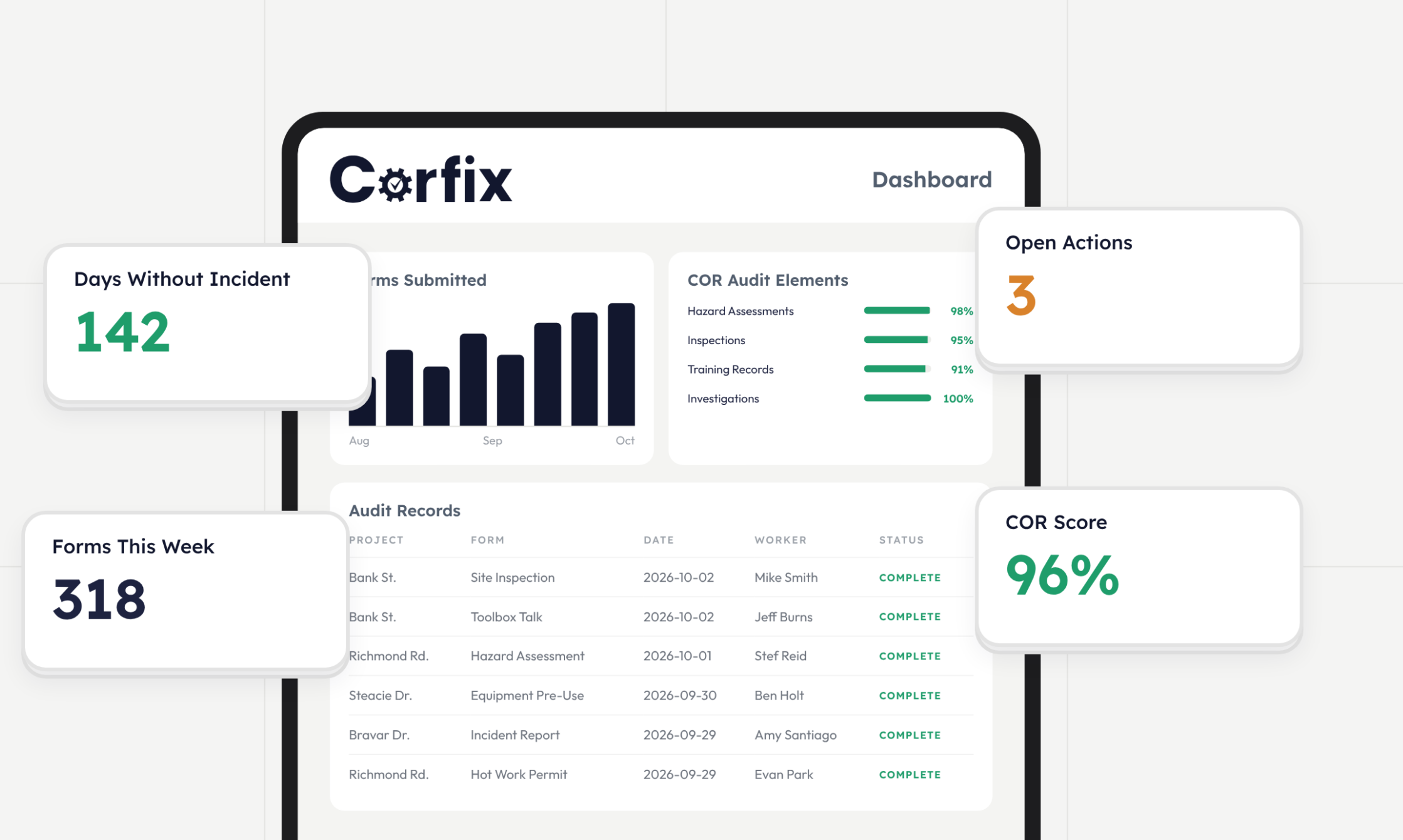
The audit elements are documentation-heavy, and each one maps to something Corfix already stores.
| COR audit elements | Simplified in Corfix |
|---|---|
| Hazard assessments before work | Forms, stored by project, date and worker, with signatures |
| Regular site inspections | Inspection forms with timestamps, photos and follow-up tasks |
| Toolbox talks with attendance | Toolbox talk records with worker sign-in |
| Training and certifications | Certification tracking per worker, with expiry notifications and export |
| Workers assigned only to certified work | Scheduling flags a certification mismatch at the moment of booking, and the assignment record shows who was booked where |
| Incident investigations and corrective actions | Incident forms linked to tasks with owners and due dates |
| Emergency plans and safe work procedures | Digital binders, available on site by QR code |
| Worker participation | Form completion history and Assist summaries by crew and project |
How does Corfix cut COR audit preparation time?: Automation
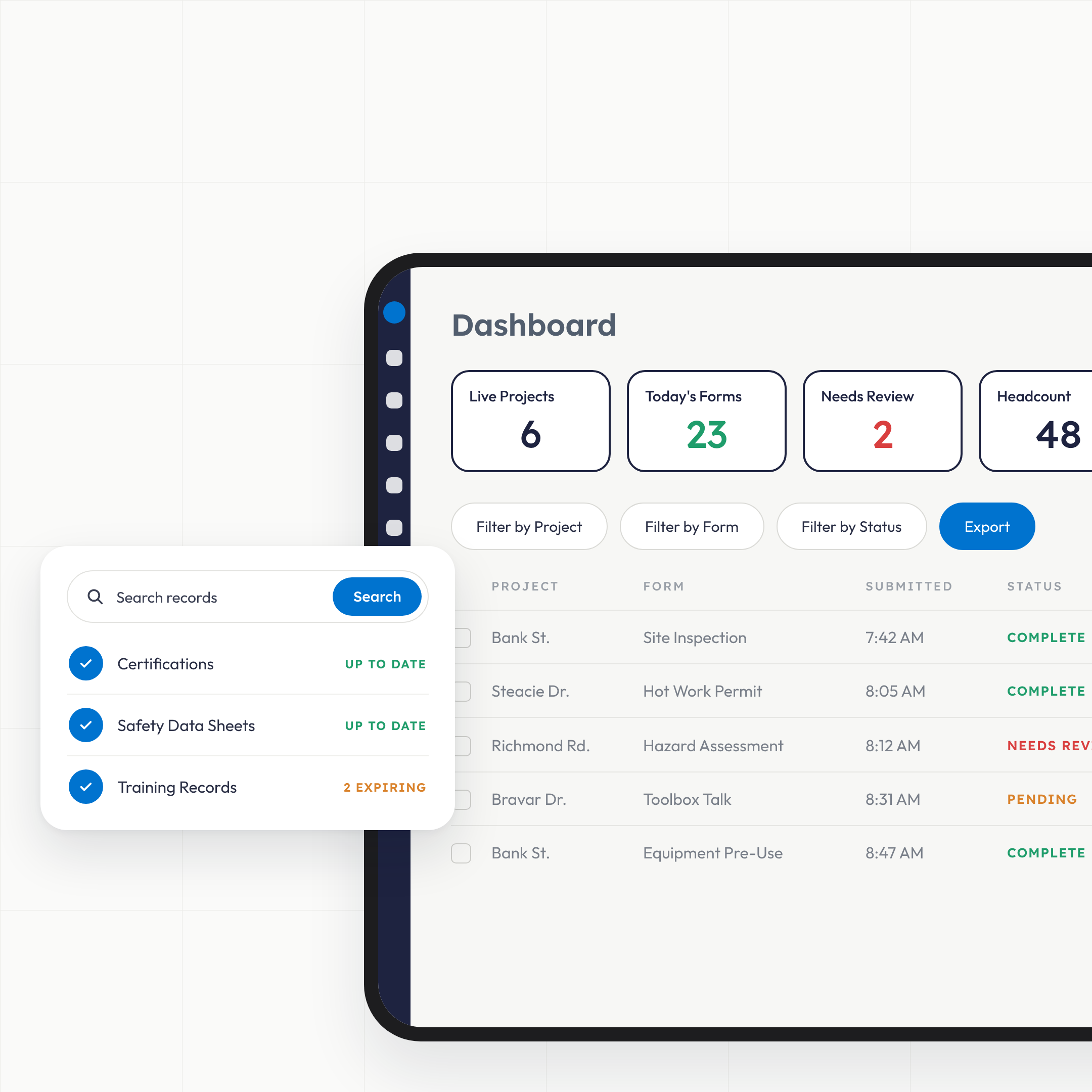
By filing the records as they’re created, so audit prep becomes a filter and an export instead of a search. One Ontario contractor’s safety manager ran internal audit prep from paper records before switching. On Corfix, form submissions went up fourfold and internal audit preparation fell from three months to two weeks. Records are stored by project, date and worker; the auditor’s sample request becomes a filter, and the full set exports in a few clicks. Corfix also integrates with AuditSoft, the audit tool used for COR audits in several provinces, so evidence moves without re-keying.
How do we keep COR once we have it?: Continuity
By running the program every day instead of rebuilding it every audit year. COR isn’t a one-time award; maintenance audits between external audits check that the system is still alive. Corfix keeps it alive because the forms are the crew’s daily routine, certifications trigger renewal notifications before they lapse, and reports show which projects and crews are completing what. One contractor that nearly doubled in size prepared for COR on Corfix after years of editable Word templates and scanned PDFs its safety manager described as controlled chaos.
- Daily forms that feed the audit record without extra work
- Certification expiry notifications so training stays current between audits
- Reports by project and crew so gaps show up before the auditor finds them
Does it work with my province's COR program?: Localization
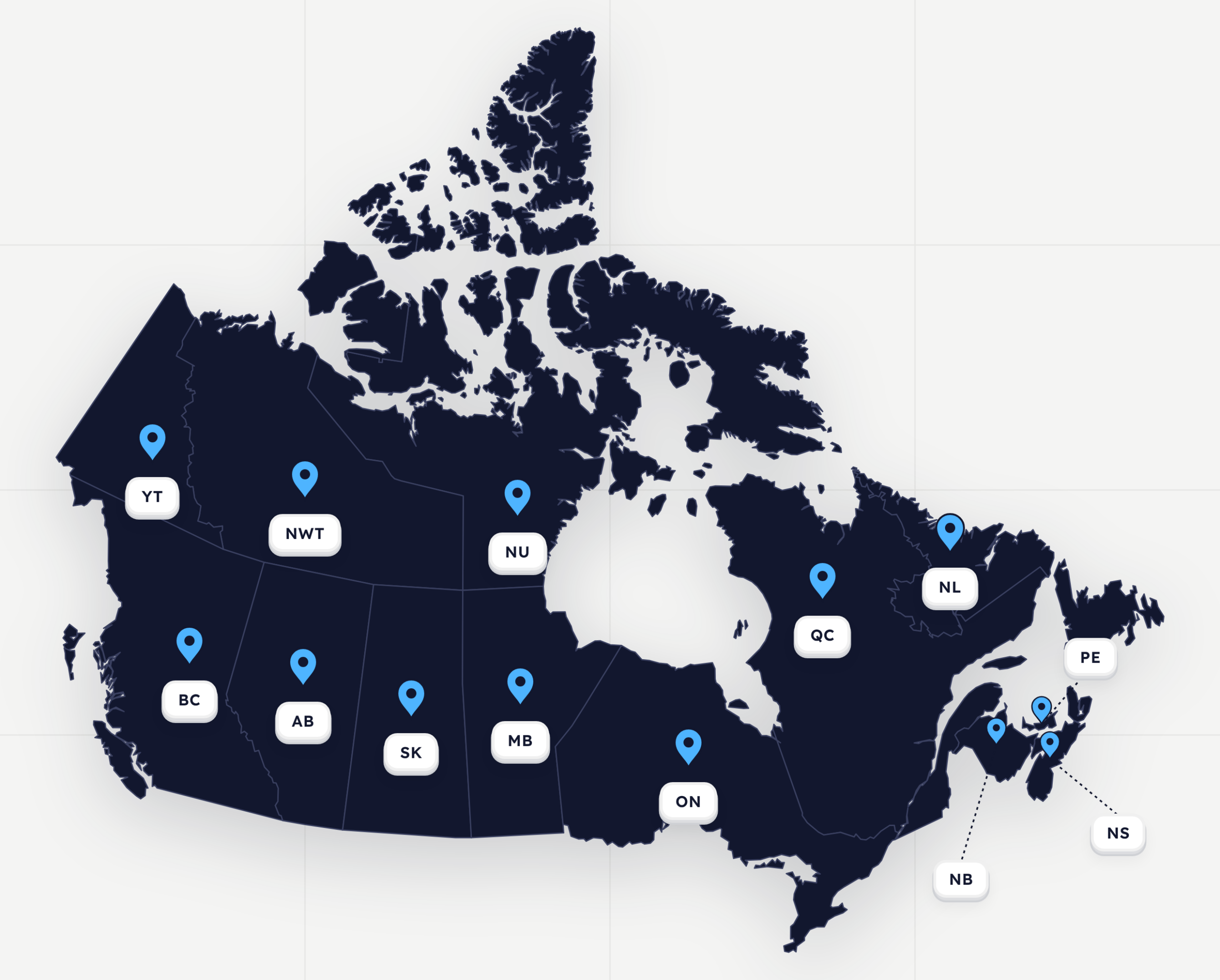
Yes. COR is run by each province’s construction safety association, and the audit instruments differ in detail: the Infrastructure Health and Safety Association in Ontario, the Alberta Construction Safety Association in Alberta, the BC Construction Safety Alliance in British Columbia, and their counterparts elsewhere. Corfix forms are built to your program: our Customer Success team rebuilds your existing hazard assessment, inspection and meeting forms during onboarding so the records match what your auditor is scoring. The app runs in English and French.
COR CERTIFICATION: Frequently Asked Questions
COR, the Certificate of Recognition, is a Canadian program that verifies a company has implemented a health and safety management system that meets its provincial construction safety association’s standard. Certification requires passing an external audit, with internal maintenance audits between external audits. Many public owners and general contractors require COR to bid.
No software can. COR audits assess your program and how your people follow it. Corfix makes sure the evidence exists, is complete, and can be produced quickly, which is the part most contractors struggle with.
Yes. Your existing hazard assessments, inspections and meeting forms are rebuilt in Corfix during onboarding, so the records keep the structure your auditor expects.
Yes. Corfix integrates with AuditSoft so audit evidence can be moved into the audit tool without re-entering it.
Corfix is used by contractors across Canada. COR programs are provincial, and Corfix forms are configured to your association’s audit requirements during onboarding.
No. Corfix is construction safety software for any contractor; COR documentation is one of the things it’s built to handle well.
COR Certified with Corfix
Simple to use, keeps all safety documents in one place and works automatically with COR via AuditSoft. Tracks training records.
Ian B., VP Safety and Legal Affairs, construction, Capterra
We also use Corfix to manage our Health & Safety forms and reports, which has been especially valuable as a COR-certified organization. Having everything centralized in one system ensures our documentation is complete, accessible, and always audit-ready.
Elena S., Controller, construction, Capterra
Corfix has changed everything about how we are able to manage our health and safety. They have put us on the road to COR certification and there’s no way we could do it without them.
Cody C., Office Administrator, construction, Capterra
With their integration with Procore and AuditSoft and having a COR component to their dashboard it really made it an easier decision. Corfix also found a way to include subtrades without having to have a separate dashboard and cost to include them.
Ryan S., Health and Safety Lead, construction, Capterra
I would HIGHLY recommend Corfix for any organization that needs an interface such as this, especially for organizations in the process of obtaining, or already COR Certified.
Ashley M., Health, Safety and Environmental Coordinator, construction, Capterra
Corfix is one complete platform that we can use to manage our internal safety program. It is also very flexible as it allows us to share the use of the program with our external third party safety company which allows us to comply with our SECOR / COR designation.
Simon S., General Manager, construction, Capterra
Walk into the audit with the records already sorted.
Book a demo and bring your last audit’s document request list. We’ll show you where each item lives.