Corfix Scheduling
Every active project, every crew assignment, and every compliance record in one place. Corfix Scheduling gives your team a live picture of where you’re fully crewed, where you’re short, and what needs attention today.
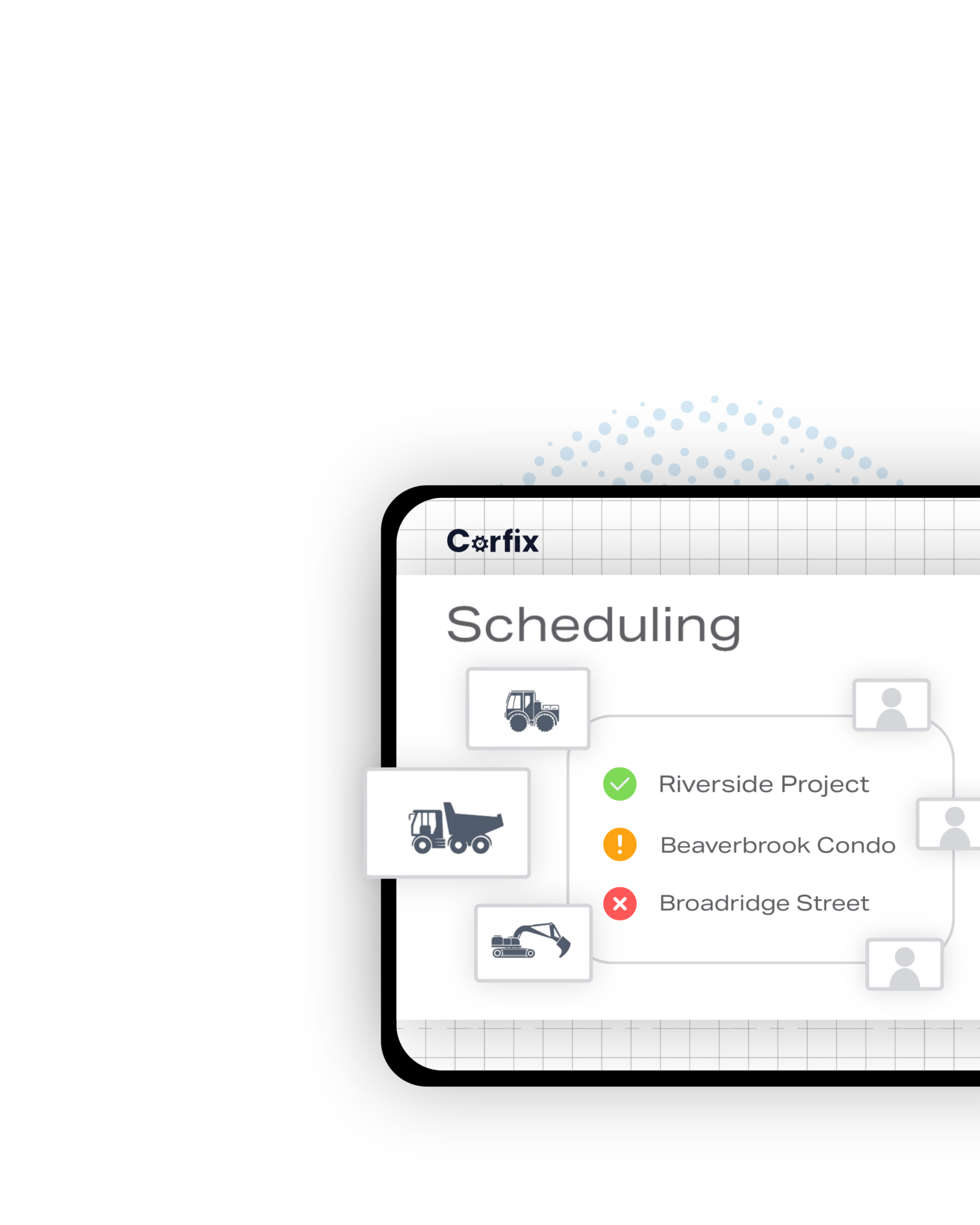
Construction scheduling that already knows your workers.
Corfix Scheduling is a construction crew scheduling platform built for contractors managing workers and assets across multiple active projects. It gives schedulers a real-time view of crew coverage across every project with color-coded Schedule Readiness Indicators.
Use a drag-and-drop booking panel called the Worker and Asset Bench, holding your full roster with a toggle between the two, built on the same platform managing your worker certifications and compliance records. Corfix Assist, our AI across the platform, brings patent-pending AI scheduling later this year.
How do you see crew coverage across every project?
Every project on your list shows a live coverage status, updated in real time. Here’s what that looks like across the schedule.
Schedule Readiness Indicator
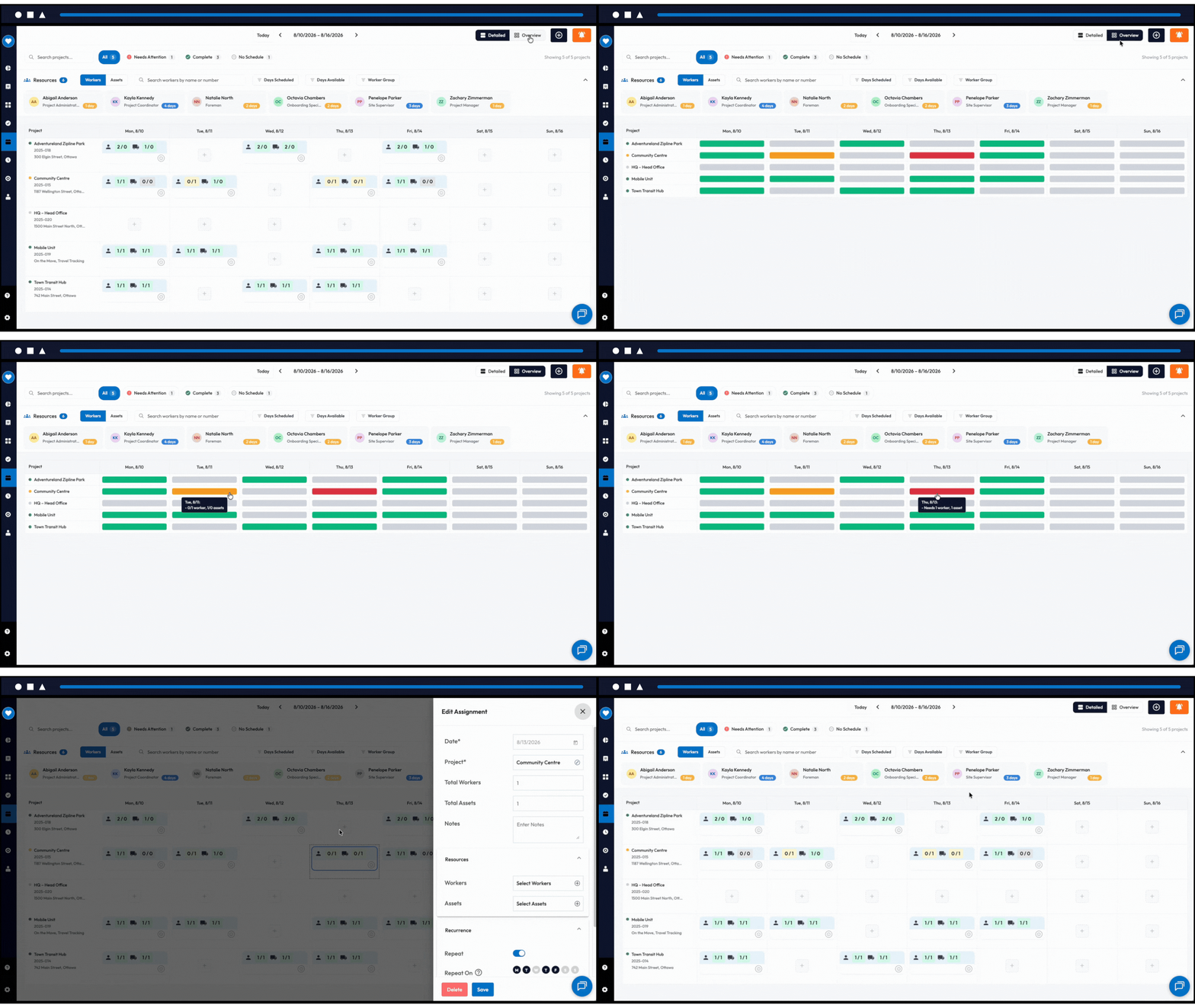
Every project displays a color-coded status: green for fully crewed, orange for partially crewed, red for no schedule assigned. Your scheduler sees the state of every project at once, without opening a single record.
Overview Mode
Toggle from the detailed project view into a weekly grid showing coverage for every project, every day. Hover any block to see who’s assigned. Click to jump into the detailed view and make the change. It’s built for supers and head office people who need the full picture without the booking detail that makes the daily view useful.
Details on Hover
Hover over any project card to see crew assignments and worker information without opening a separate screen. The information you need is right there, not buried behind another click.
How do you find which projects need attention today?
Once you know which projects need a closer look, the next step is getting there fast. These three features cut the time between spotting a gap and closing it.
Quick Filters
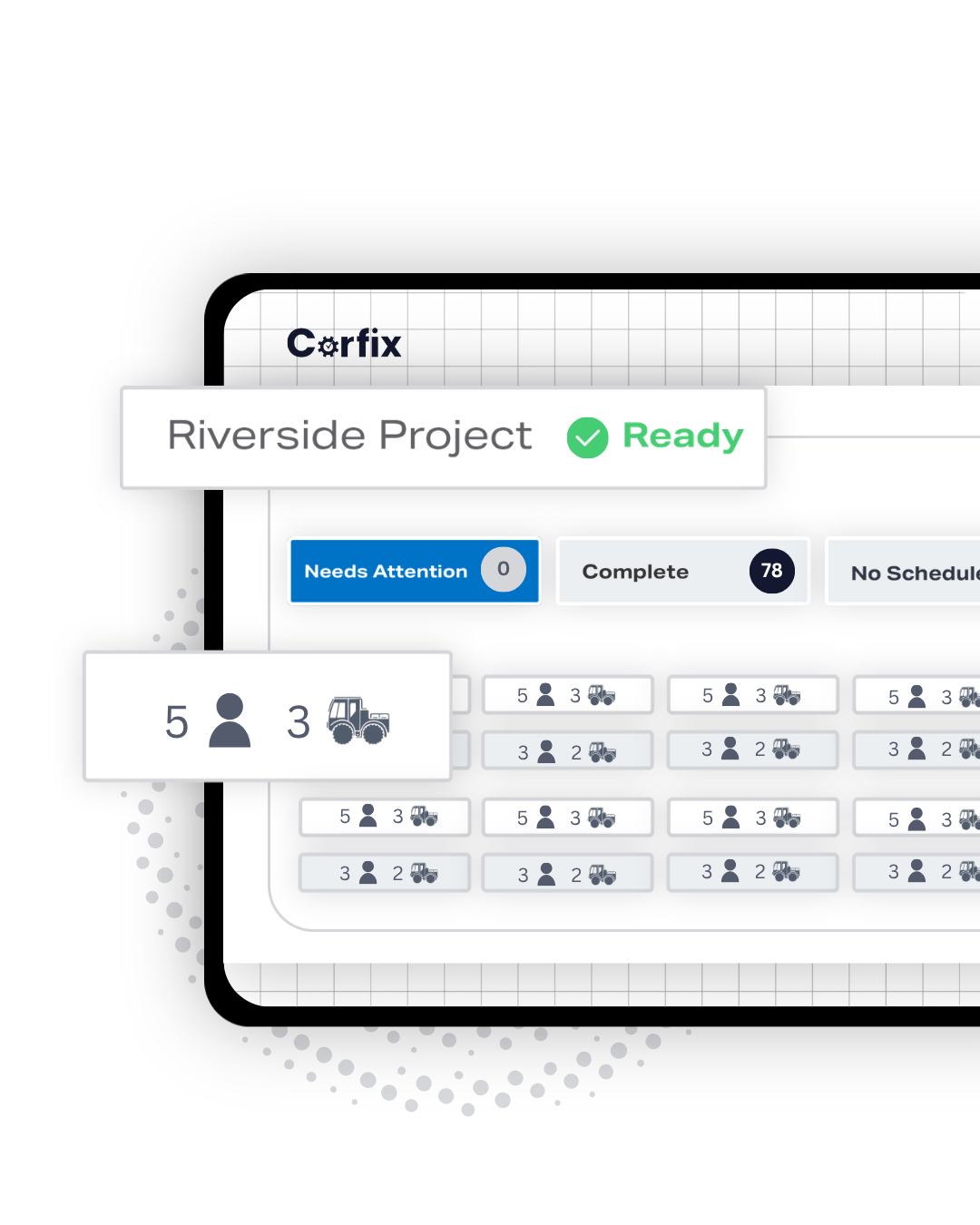
Filter your entire project list by status in one click. If you want to see only the projects that are short-staffed, you’re looking at exactly those projects in under a second.
Project Search
Search active projects by name, project ID, or address. On an operation running dozens of concurrent projects, finding the right one is instant.
One-Click Edits
Make changes directly from the weekly view. The whole scheduling workflow stays in a single screen.
How do you find the right worker for a job?
Once you know which project needs attention, the next question is who to put on it. These three features narrow your full roster down to the workers who are actually qualified and available.
Worker and Asset Bench
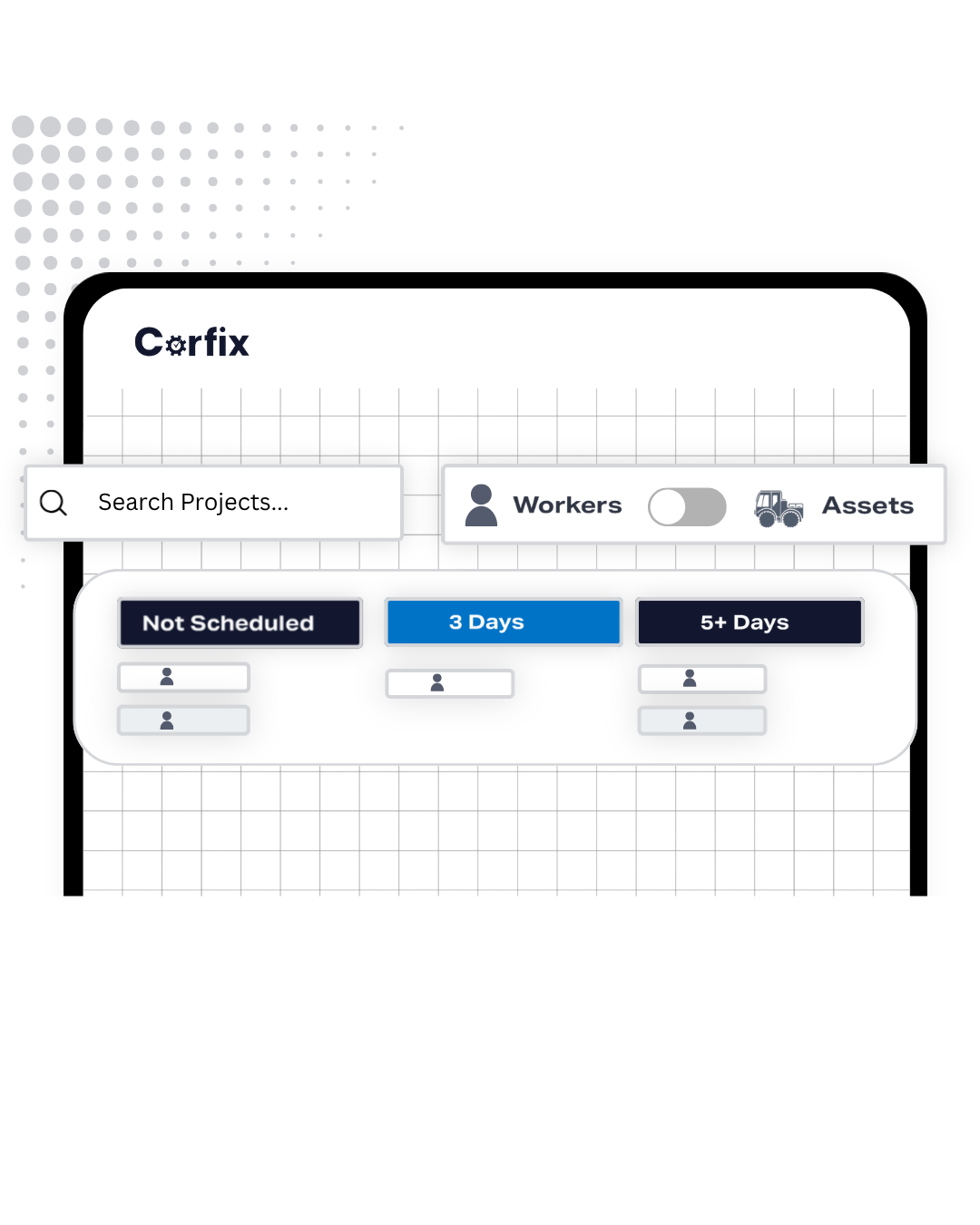
The Bench holds your full roster in one searchable panel, alongside the weekly schedule, with a toggle between workers and assets. Everything your scheduler needs to build the week’s plan is in one place.
Flexible Search and Filters
Search workers by name, job title, or attributes. Search assets by model or type. Filter either list down to exactly who you need for a given shift. The roster is fully searchable and filterable, so finding the right person or piece of equipment takes seconds.
Mandatory Certifications
Set required certifications directly on a project. When a worker whose required certs are missing or expired is scheduled there, the warning comes at scheduling time rather than during an audit. The check runs against the certification records already living in Corfix, so there’s nothing to set up separately and nothing to keep in sync.
How do you schedule a worker in one step?
Once you’ve found the right worker, booking them should take one motion, not a separate trip to check their calendar or double-check a certification. These four features cover availability, the booking action itself, and what happens the instant you take it.
Days Available
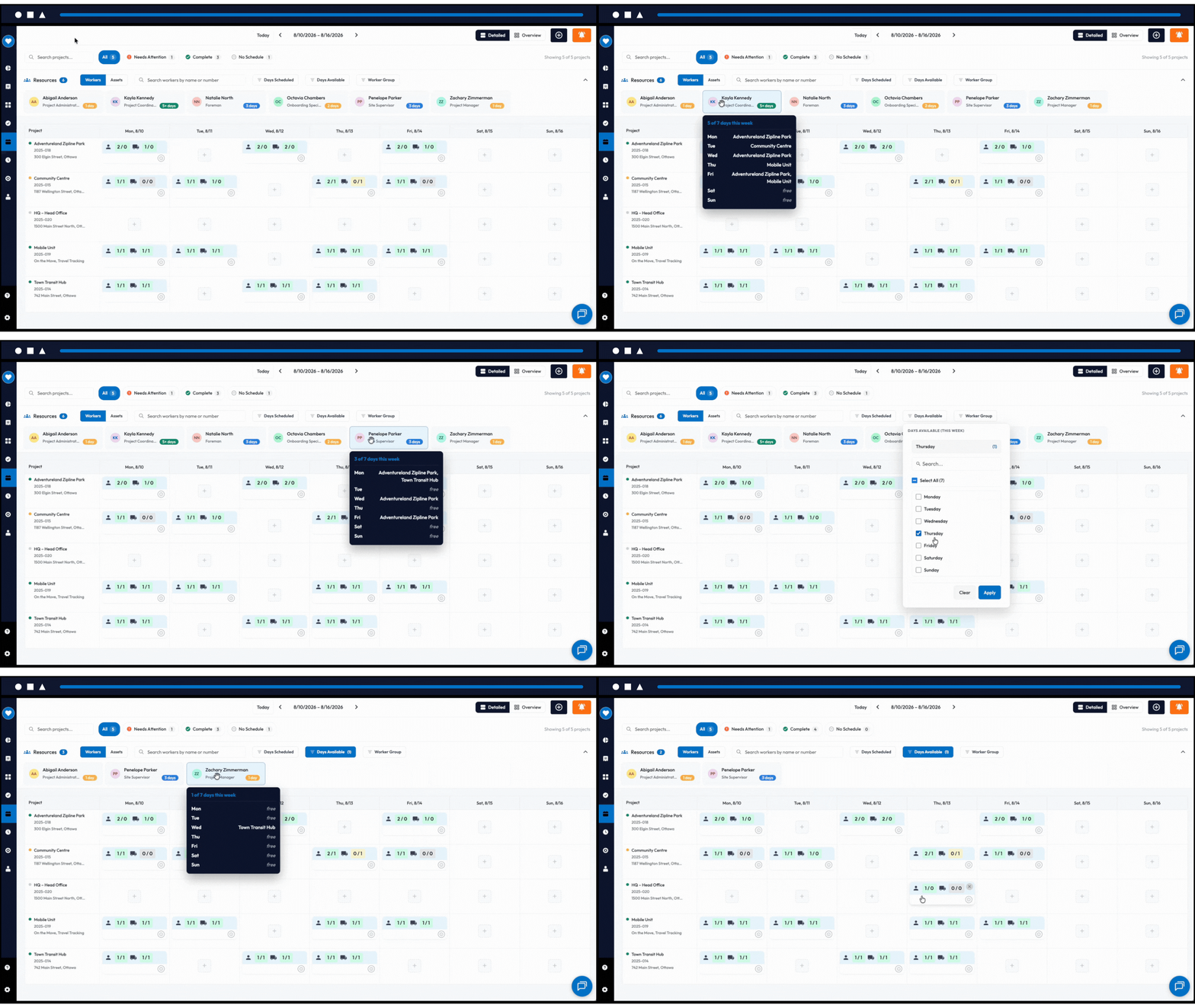
Filter the bench by specific days of the week to see who’s open, without opening schedules one at a time.
Drag-and-Drop Scheduling
Find who or what you need and drag them onto a project day card or an empty day. The booking is made instantly, with no separate screen and no manual entry required.
Workload at a Glance
Each worker tile shows how many days they’ve been scheduled for the week. In a tight labour market, that cuts both ways: it helps you avoid burning someone out, and it helps you make sure your best people are getting the hours they need to stay.
Conflict Warnings
You get flagged the moment a drag-and-drop would double-book someone, with a clear confirm-or-cancel choice. Any day holding an unresolved conflict carries an indicator, so a problem you deferred doesn’t turn into a problem you forgot.
Can AI fill your crew schedule automatically?
Coming later this year
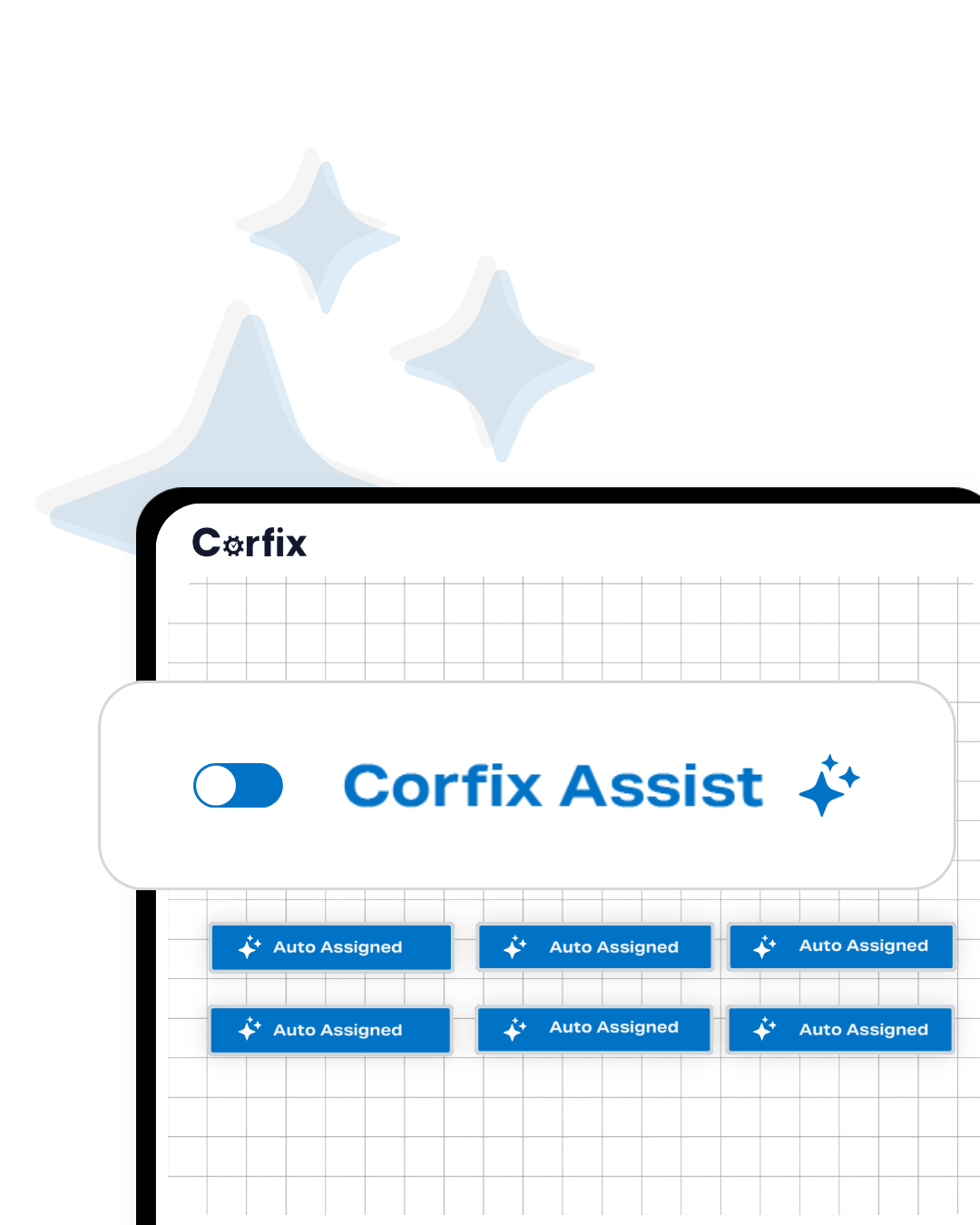
Corfix Assist is patent-pending AI scheduling, built around compliance-aware scheduling, a concept no other construction platform can claim. Your admin sets the inputs, the AI does the fill, and your scheduler stays in control of every result.
Set the Inputs, Get a Ranked Fill
You select the projects, dates, and headcount targets. Corfix Assist fills the allocation and shows plain-language reasoning behind every assignment. Apply, adjust, or override. The AI never overrides a manual decision.
Matching Factors
Corfix Assist weighs crew synergy from past co-assignments, availability including fatigue signals, proximity to site, and hazard-specific training for work like heights, confined space, or chemical exposure.
Built-In Compliance
Workers with missing or expired required certifications are automatically excluded. Shifts it can’t fill surface in a review queue with an explanation, and your scheduler can adjust and re-run. Every decision is auditable.

How is Corfix Scheduling different from standalone scheduling tools?
Standalone scheduling tools work in isolation. Corfix Scheduling is built on the same platform managing your workers’ certifications, site access, and compliance status. Required certs on a project, compliance flags in the Worker and Asset Bench, fatigue-aware AI scheduling: none of that is possible without the underlying platform data. If you’re currently running a safety tool and a scheduling tool separately, Corfix does both in one place, with one record of your workforce.
SCHEDULING: Frequently Asked Questions
Corfix Scheduling is a construction crew scheduling platform that gives teams real-time visibility into crew and asset coverage across every active project. It includes a color-coded weekly scheduling view with Schedule Readiness Indicators, a drag-and-drop resource booking panel called the Worker and Asset Bench, and is built on the same platform managing your worker certifications and compliance records. It’s a module within the Corfix platform, not a standalone tool.
Your scheduler sees every active project in a weekly view with a color-coded Schedule Readiness Indicator showing whether each project is fully crewed, partially crewed, or unscheduled. Quick Filters surface only the projects that need attention. The Worker and Asset Bench panel alongside the schedule shows your full worker and equipment roster, both searchable. Drag a worker or asset onto a project day to book them instantly. Because Scheduling is part of Corfix, the booking is made against the same worker records managing certifications and compliance across your operation.
Yes. Because Scheduling is part of the Corfix platform, it draws on the same worker certifications, site access records, and compliance status already managed there. Admins can set required certifications on a specific project, and when a worker with a missing or expired required cert is scheduled on that site, the scheduler surfaces a warning automatically.
Corfix Assist is our AI across the Corfix platform. It’s AI compliance-aware scheduling application is coming later this year. It fills crew allocations using crew synergy based on co-assignment history, worker availability including fatigue signals, and proximity to site. Every assignment includes plain-language reasoning. Schedulers can apply, adjust, or override any suggestion. The AI never overrides a manual decision.
Most construction scheduling tools work independently of your safety and compliance records. Corfix Scheduling is built on the same platform managing your workers’ certifications, site access, and compliance documentation, so scheduling decisions are made with live compliance data, not a separate list. The AI coming later this year draws on that same operational data, including crew history and certification status, in a way a standalone tool never could.
AI-powered compliance-aware scheduling through Corfix Assist is coming later this year and is patent-pending. It uses a multi-factor crew matching model based on crew synergy, availability, and proximity to site. Scheduling as it stands today doesn’t include AI, though it is building the crew history the model draws on at launch.
No. Corfix Scheduling is a module within the Corfix platform. Customers add Scheduling as part of their Corfix plan. The scheduling features that make Corfix different from standalone tools, including compliance-connected scheduling, cert-gated project requirements, and AI crew matching, are only possible because of the underlying platform.
Corfix Scheduling is built for construction companies managing crews and assets across multiple active projects. It’s designed for the scheduler, office admin, superintendent, or project manager who owns the weekly crew plan and needs real-time visibility into coverage across their full project portfolio.
PRODUCT OVERVIEW: The All-In-One Platform
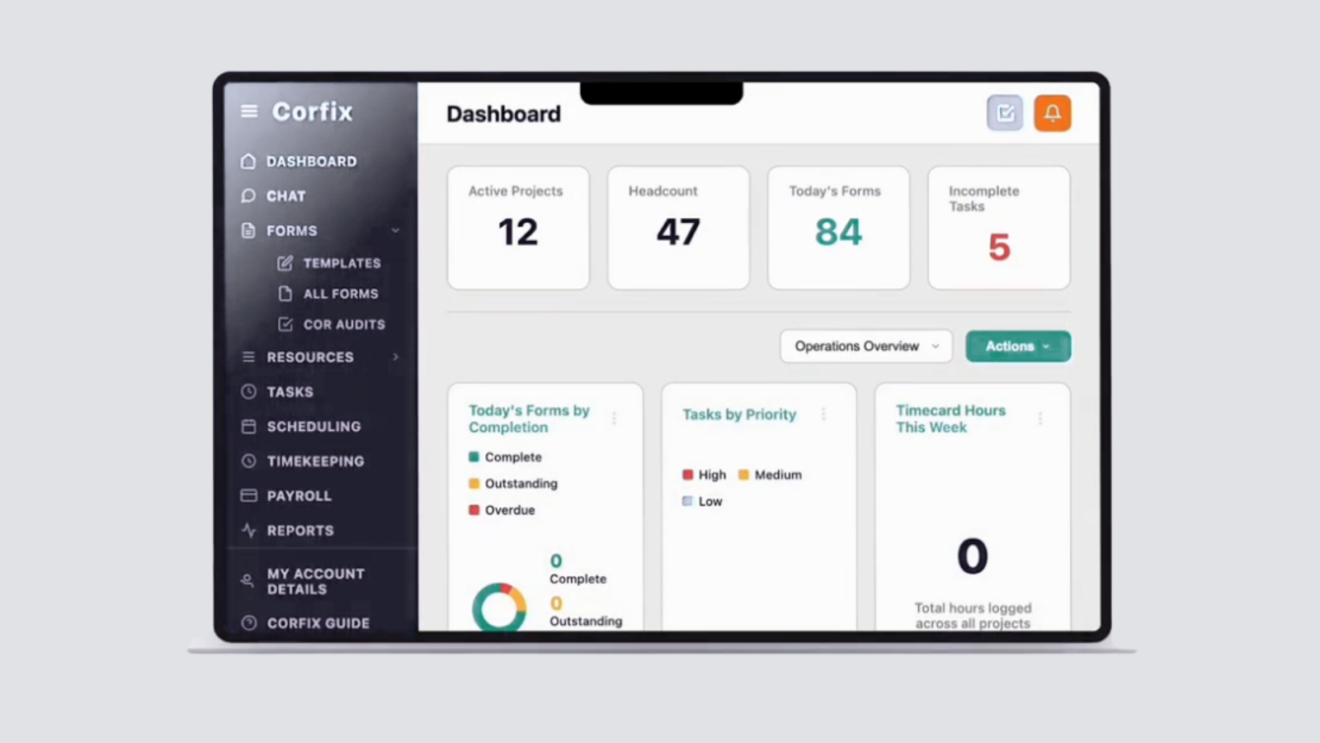
What would it look like to consolidate safety, timekeeping, and scheduling?
See Corfix in action
Book a demo today and let us show you how we’ve helped tons of companies just like yours.