OSHA Compliance Software
Incidents reported from the site the moment they happen, inspections on a schedule, every worker’s training a search away, and the SDS binder a QR code on the trailer. When the compliance officer asks, you produce the record instead of promising to find it.
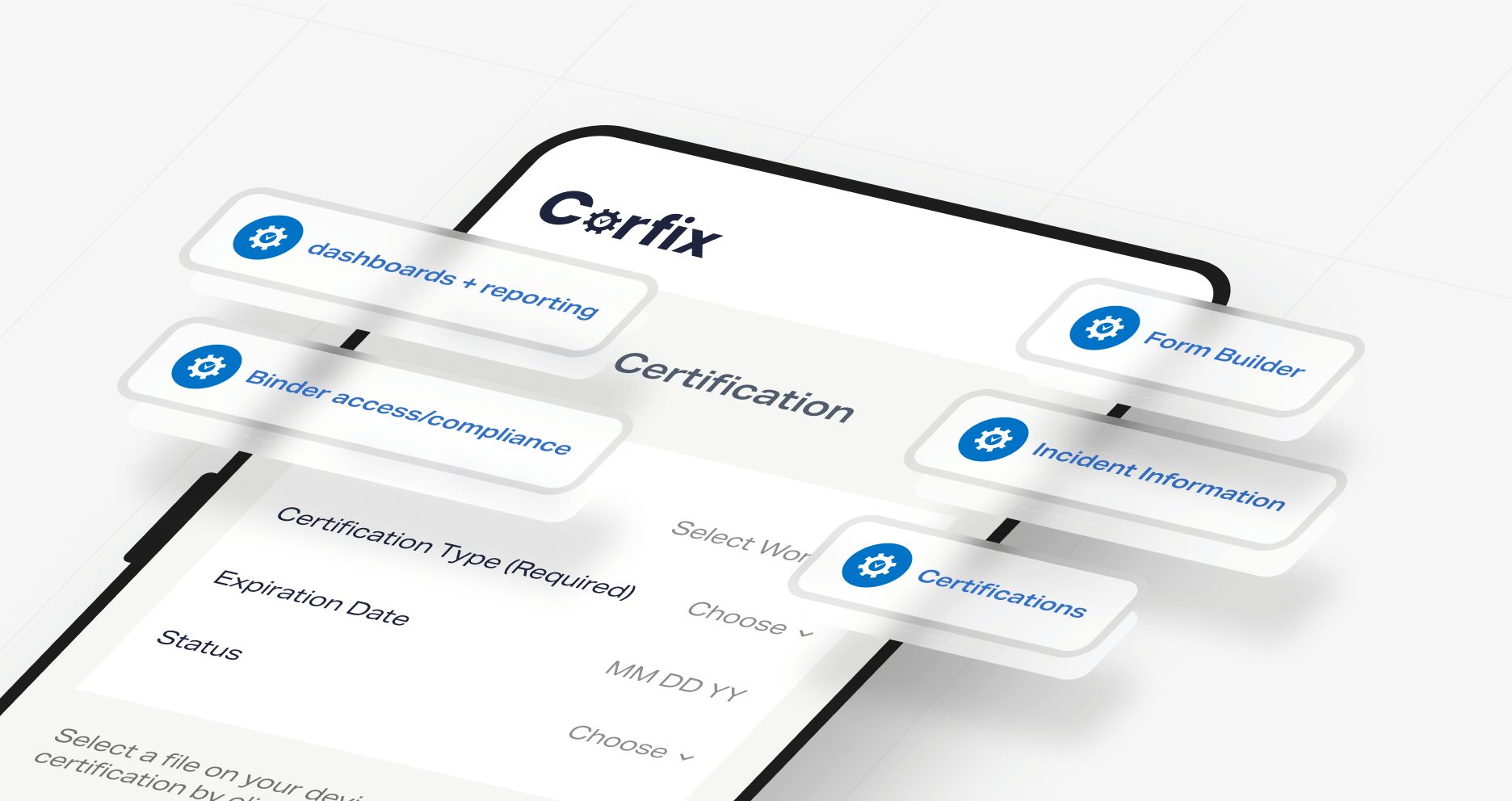
Corfix is construction safety software that keeps the documentation OSHA asks for organized as your crews create it.
Corfix keeps all supporting records organized—from site-captured incident reports timestamped with project and version details to exportable annual logs, inspections, training records, SDS, and site rules—ensuring you can answer inspector requests in minutes while retaining direct control of your OSHA 300 logs, 300A, and ITA filings.
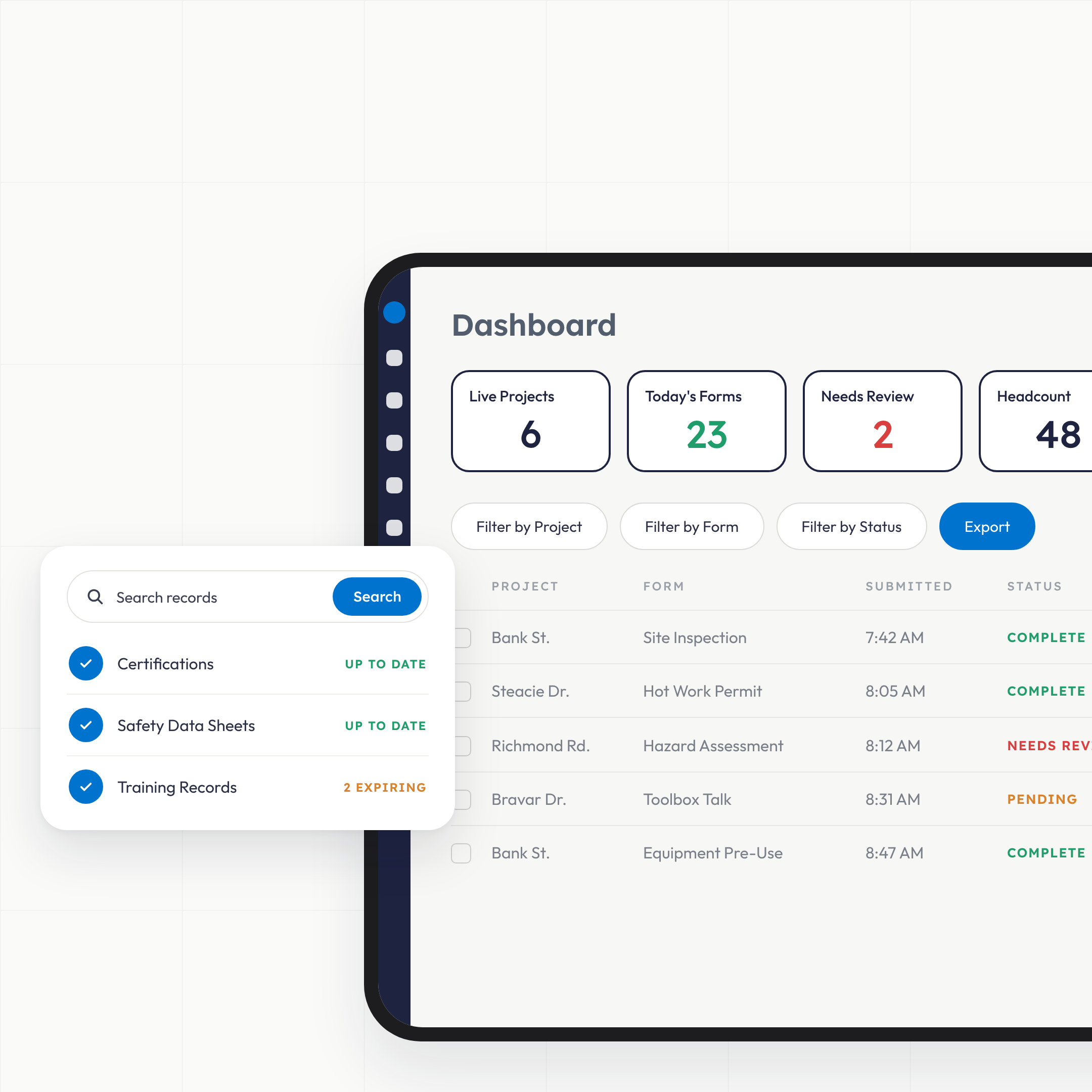
Incident and near-miss reports are completed on the phone with photos and signatures and land in your dashboard the moment they sync. Inspections run on a schedule with the equipment identified automatically. Training and certifications sit on each worker's profile with expiry warnings. Safety data sheets and your written program open by QR code on every site. And when an inspector asks for the training file or the inspection history, it exports from a laptop in the time it takes to ask.
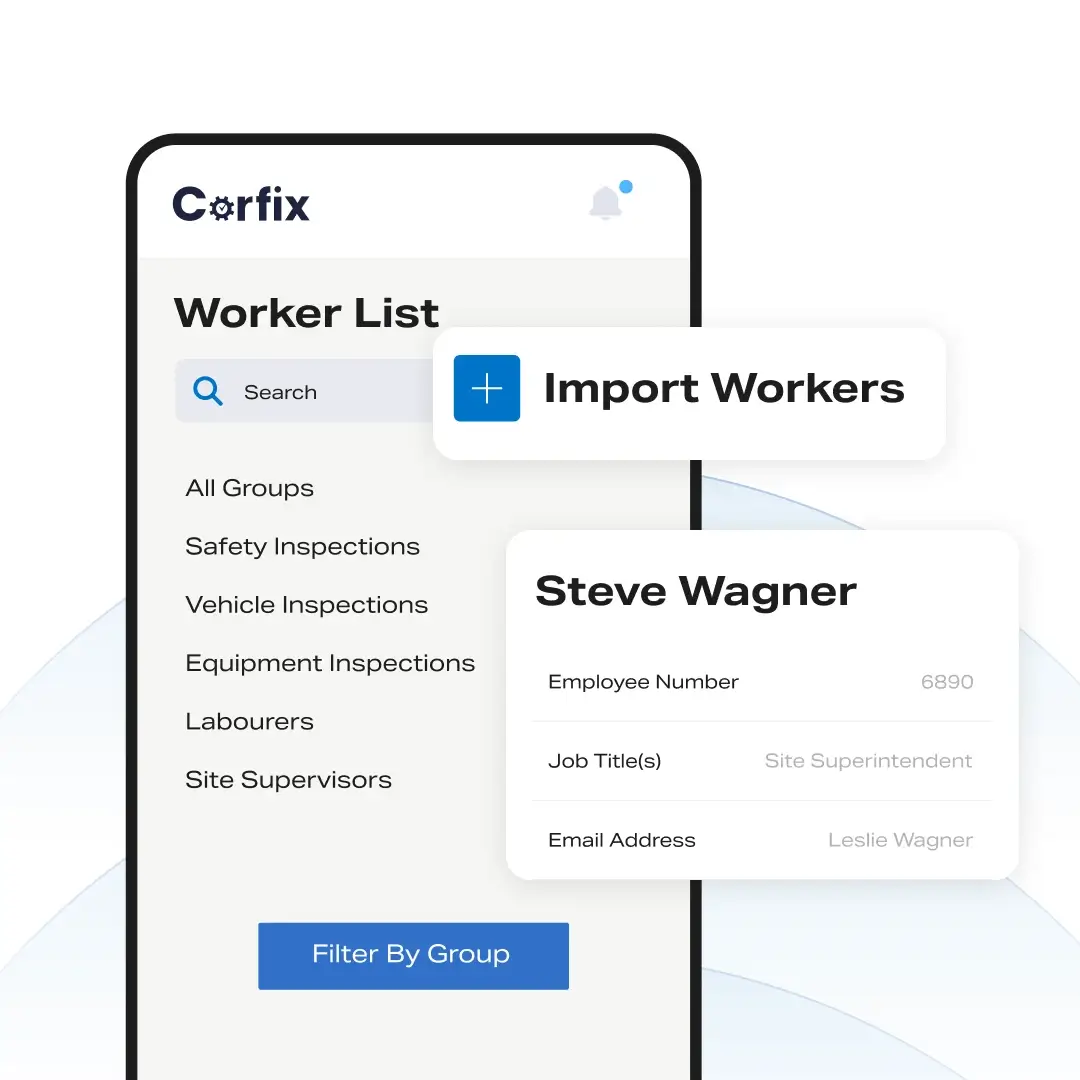
What does OSHA compliance software do for a construction contractor?: Compliance
It keeps the records OSHA’s construction standards expect you to have, in the shape you can produce them. OSHA asks a contractor to record injuries and illnesses, inspect sites and equipment regularly, train workers and be able to show it, keep safety data sheets and a written hazard communication program available, and hand over records promptly when a compliance officer arrives. On paper that’s five filing systems and a truck door pocket. In Corfix it’s one system your crews fill in from their phones, organized by project, date and worker, exportable whenever someone asks.
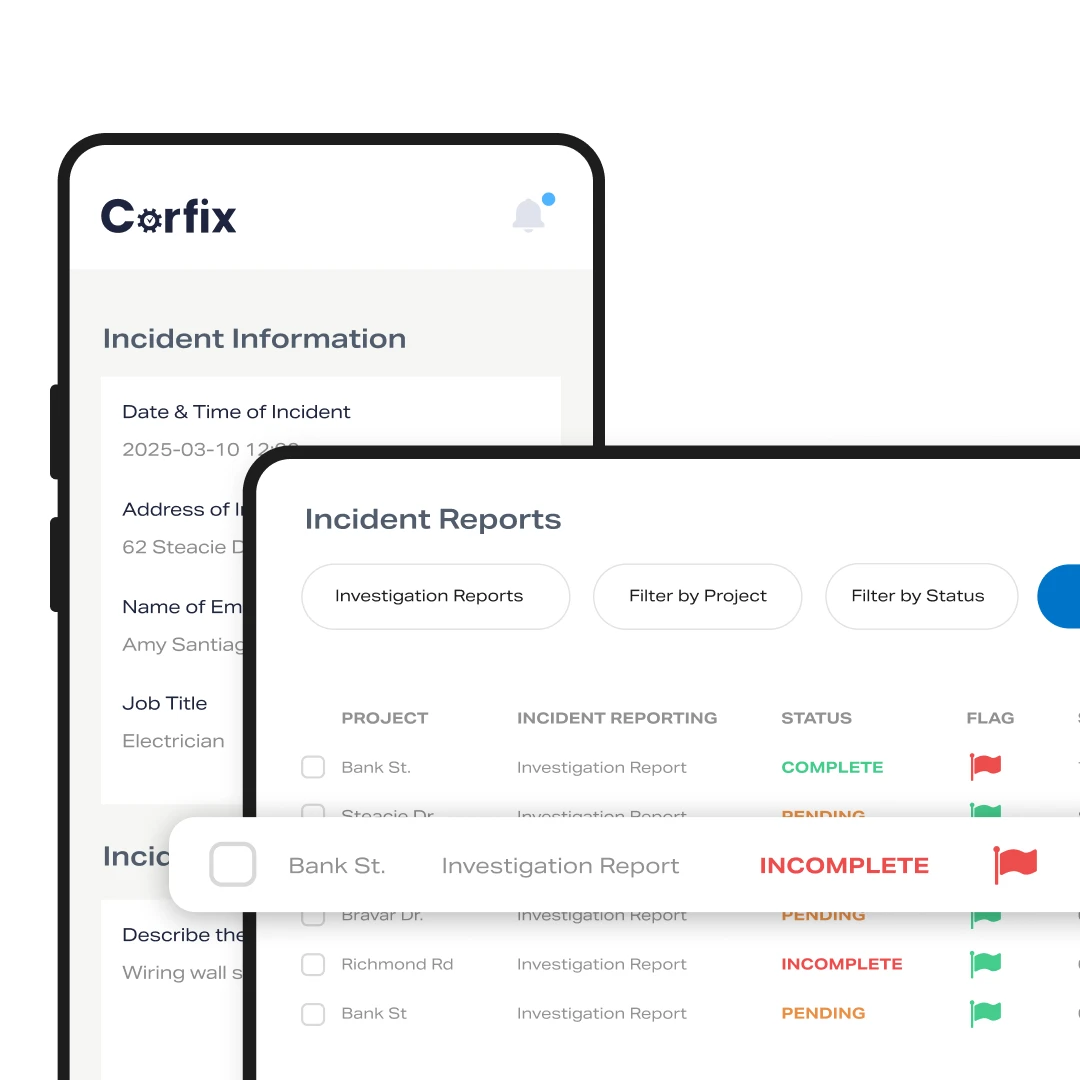
How does Corfix handle incident and injury reports?: Incident Reporting
Workers report from the phone, the right people are notified the moment the report starts, and the record is stamped and filed automatically. Your incident form is built in Corfix with the fields you choose: what happened, where, who was involved, what treatment followed, photos, signatures. Every completed report carries an automatic header with the project, the time it was finalized, a unique document number and a version, so the record shows who filed it, who changed it and when. Fields you mark as reportable feed a Form Data report that exports to CSV, which is how the year’s incidents become a spreadsheet you complete the OSHA 300 log and 300A from. Corfix Assist adds a plain-language summary to the top of each report so the safety manager reads the point in seconds.
- Incident and near-miss forms completed on site with photos and signatures
- Automatic project, time, document number and version stamps on every report
- Reportable fields exported to CSV for the 300 log and 300A
- Corrective actions created from the form as tracked tasks
What happens in the first hour after a serious injury?: Real-Time Alerts
The people who have to act know before the form is finished. Critical Form Notifications alert the people you name the moment an incident report is started, before it’s complete, so the safety manager can secure the site and the person responsible for calling OSHA has the eight-hour or 24-hour clock in front of them from the start. The report itself keeps filling in from the field with photos and witness signatures while that happens.
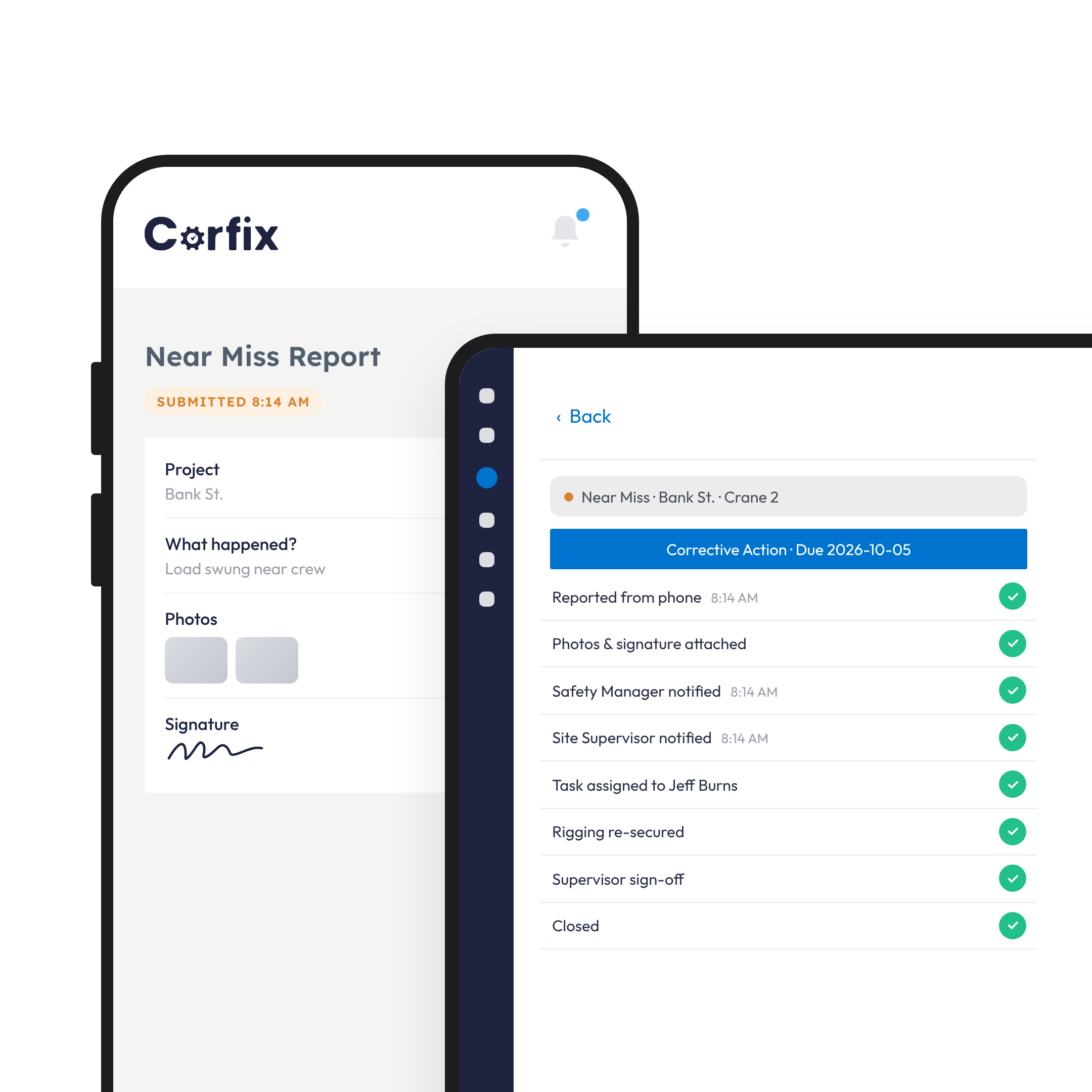
How does Corfix document corrective actions?: Case Management
As a case: the report, the task that fixed it, and the record that ties them together. A failed inspection or an incident report creates a follow-up task, automatically or by hand, with an owner and a due date. A resolution form documents the fix. When the case is downloaded you get the original form, the task with its comments and data, and a manifest of how they relate, which is the due-diligence file a compliance officer or an insurer asks for after the fact.
- Follow-up tasks created from the form, automatically or manually
- Resolution forms documenting the fix
- Cases exported as one package: form, task and manifest
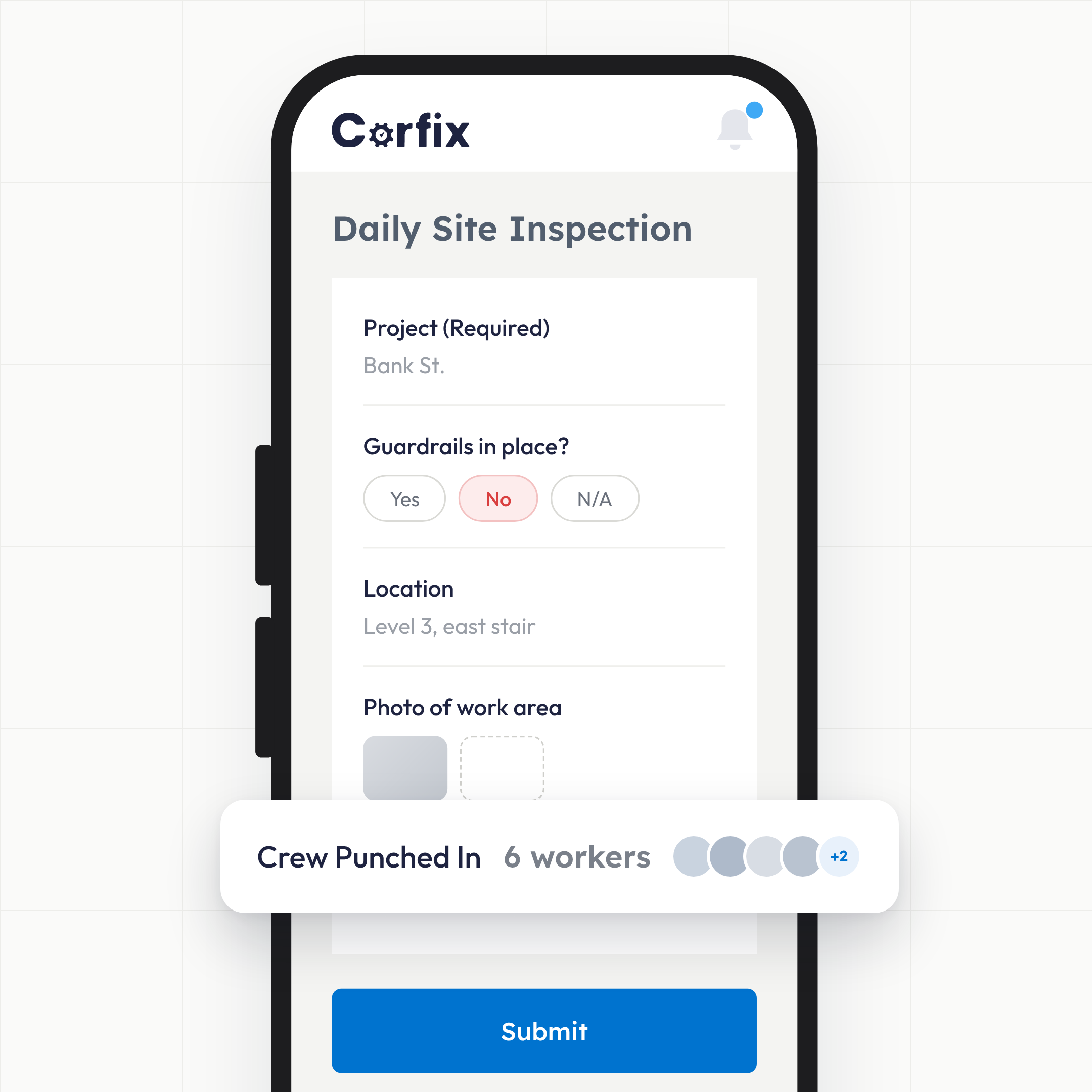
How do I keep inspections regular and provable?: Site Safety
Schedule them, and let the form identify the equipment. OSHA’s construction standards expect frequent and regular inspections by a competent person. In Corfix, inspection forms run on a schedule, the asset’s name and serial number or VIN pull into the form header automatically, failed items are flagged, and each failure becomes a task. Job hazard analysis and field-level risk assessment templates are loaded in every account.
- Scheduled inspection forms with photos and timestamps
- Equipment identified automatically on asset-linked forms
- Failures flagged and turned into tracked tasks
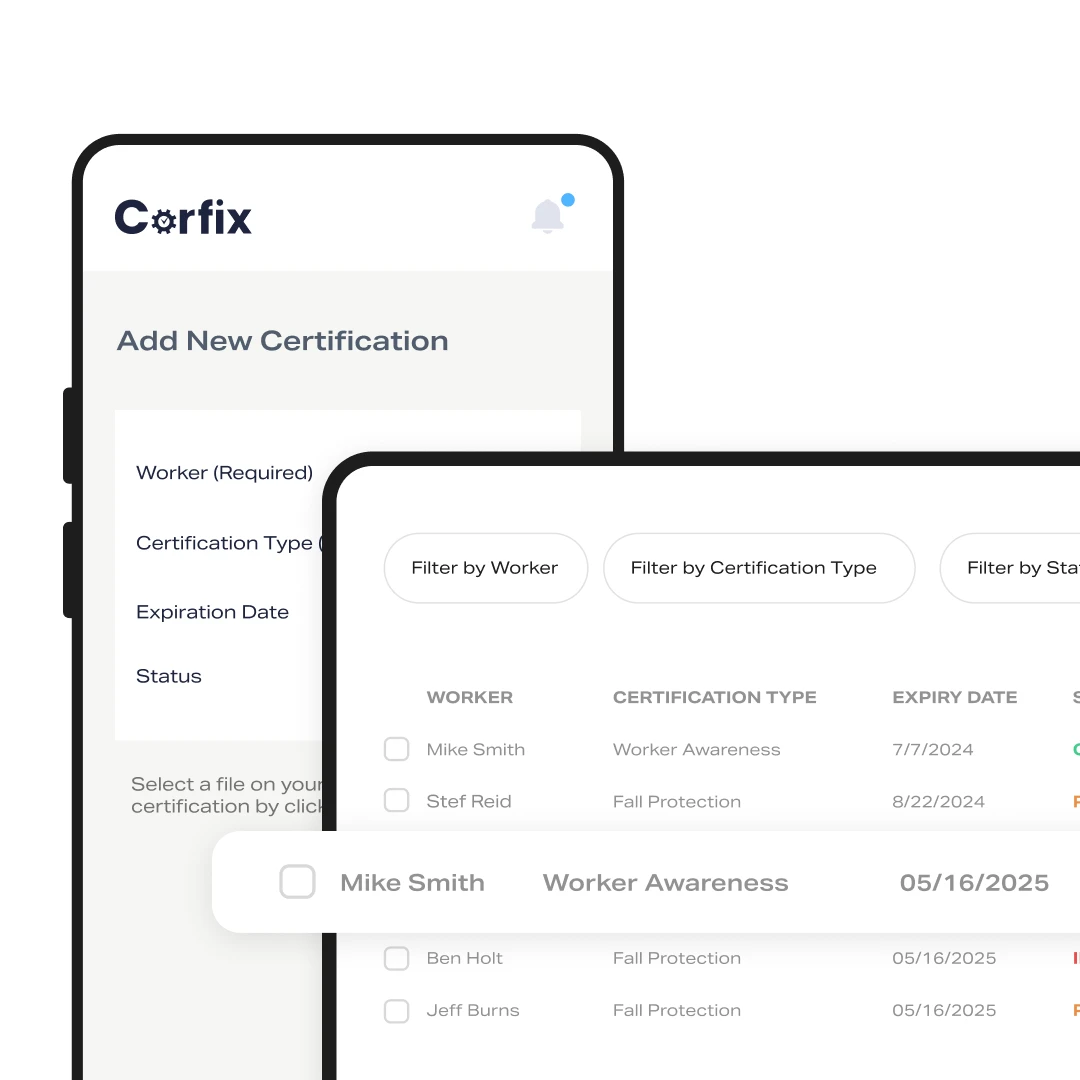
Where are training records when the inspector asks for them?: Certifications
On each worker’s profile, exportable in one file. Certifications are uploaded from the office or by the worker from the phone, expiry notifications go out ahead of time, and a project can require specific certifications so a worker without them is visible before they’re on site. Every certification a worker holds, or every certification in the company, downloads to PDF on request. Toolbox talks are forms with digital participants, so attendance is recorded without a sign-in sheet. One roofing contractor’s safety manager used to hunt through jobsite folders when OSHA visited; on Corfix, a worker’s full training history prints on request. Read the customer stories.
- Certifications per worker with expiry notifications and digital copies
- Required certifications per project
- Company-wide or per-worker export to PDF
- Toolbox talk attendance recorded on the form
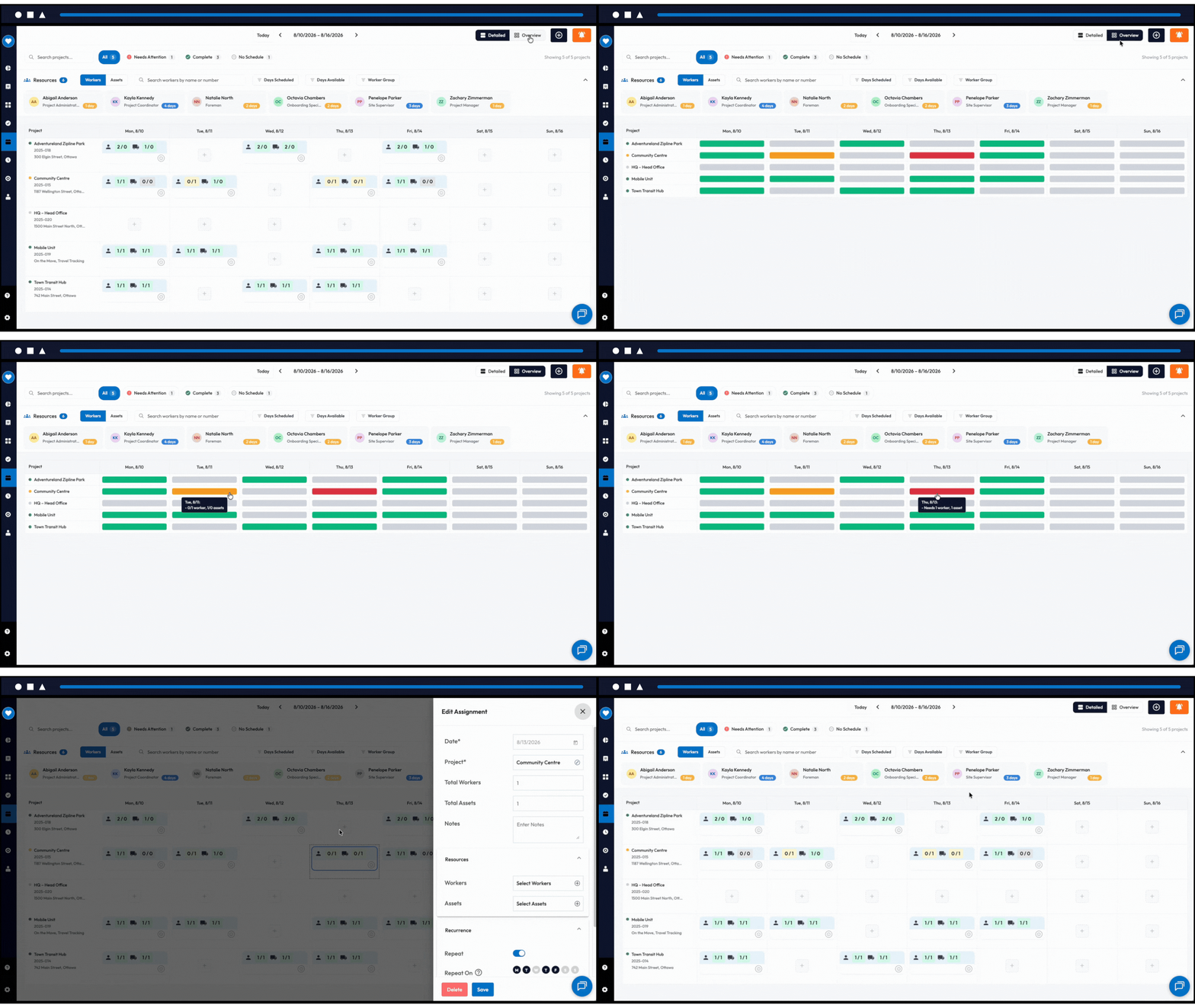
How do I schedule crews with the right certifications?: Workforce Scheduling
Because the person who builds the schedule decides who stands in front of which hazard, and OSHA’s construction standards assume the worker on the task is the one trained for it. Every time a worker is booked onto a site, someone has decided that this person, with these certifications, on this day, is the right one for that work. In Corfix the schedule and the safety record are the same system. When you book a worker onto a project that requires a certification they don’t hold, it’s flagged at that moment, and the worker gets the assignment and the day’s notes on the same phone they’ll use for the morning’s hazard assessment.
- Certification mismatches flagged when you book, before an inspector ever asks
- Assignment and the day’s notes delivered to the worker’s phone, beside the day’s safety forms
How does Corfix support hazard communication?: Policies and Documentation
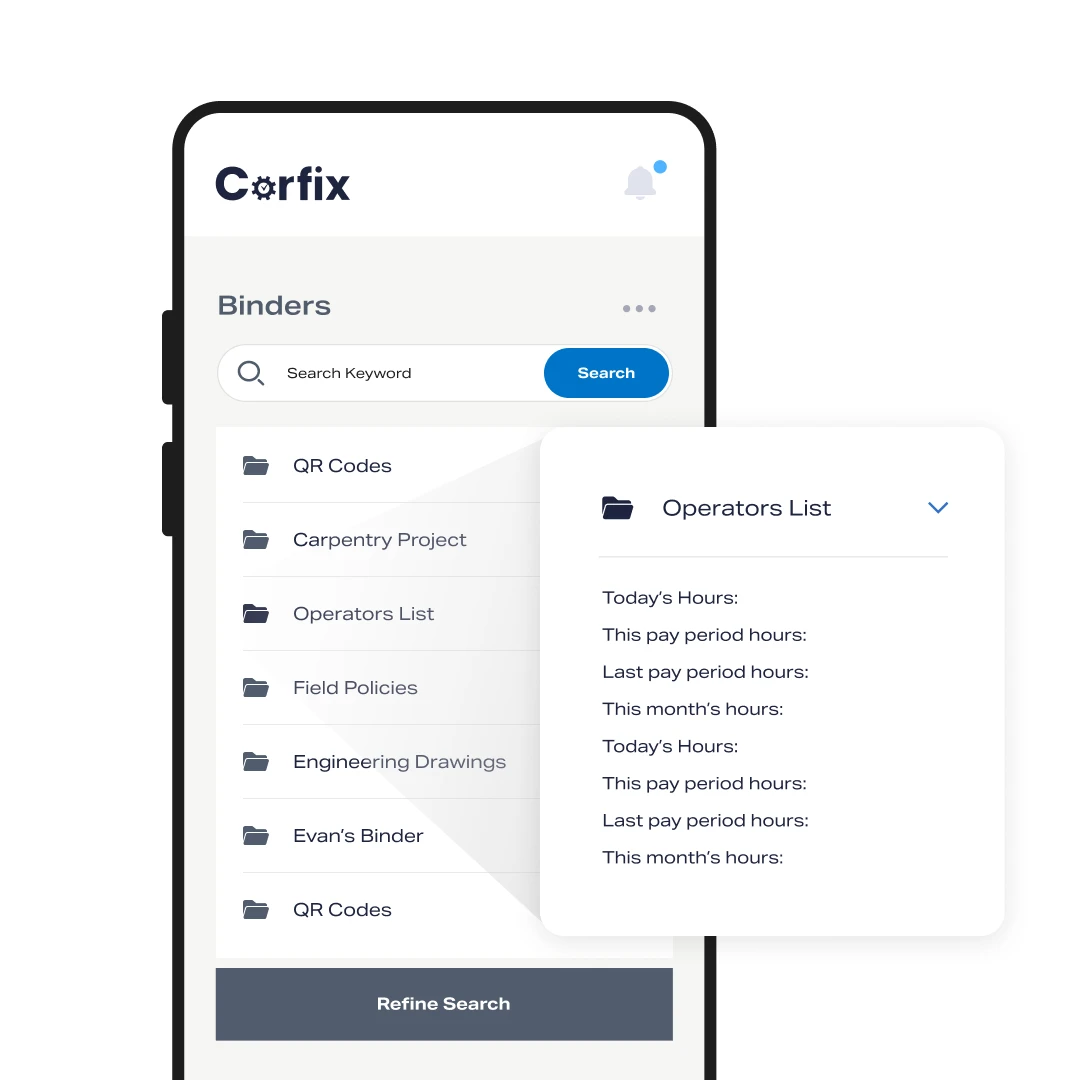
Safety data sheets and your written program open by QR code on every site, with a record of who has signed. Binders hold your SDS library, written programs and procedures, attached to the project and available offline. A QR code on the trailer opens the binder on any phone. Policy sign-offs work two ways: a PDF with assigned signers and a live list of who has and hasn’t signed, or a policy form each worker submits. An external QR code lets subcontractors sign site rules without a Corfix login.
- SDS and written programs in binders, by QR code, offline
- Policy acknowledgments with a live signed and unsigned list
- Site rules signed by subs through an external QR code
What can I produce in four business hours?: Auditability
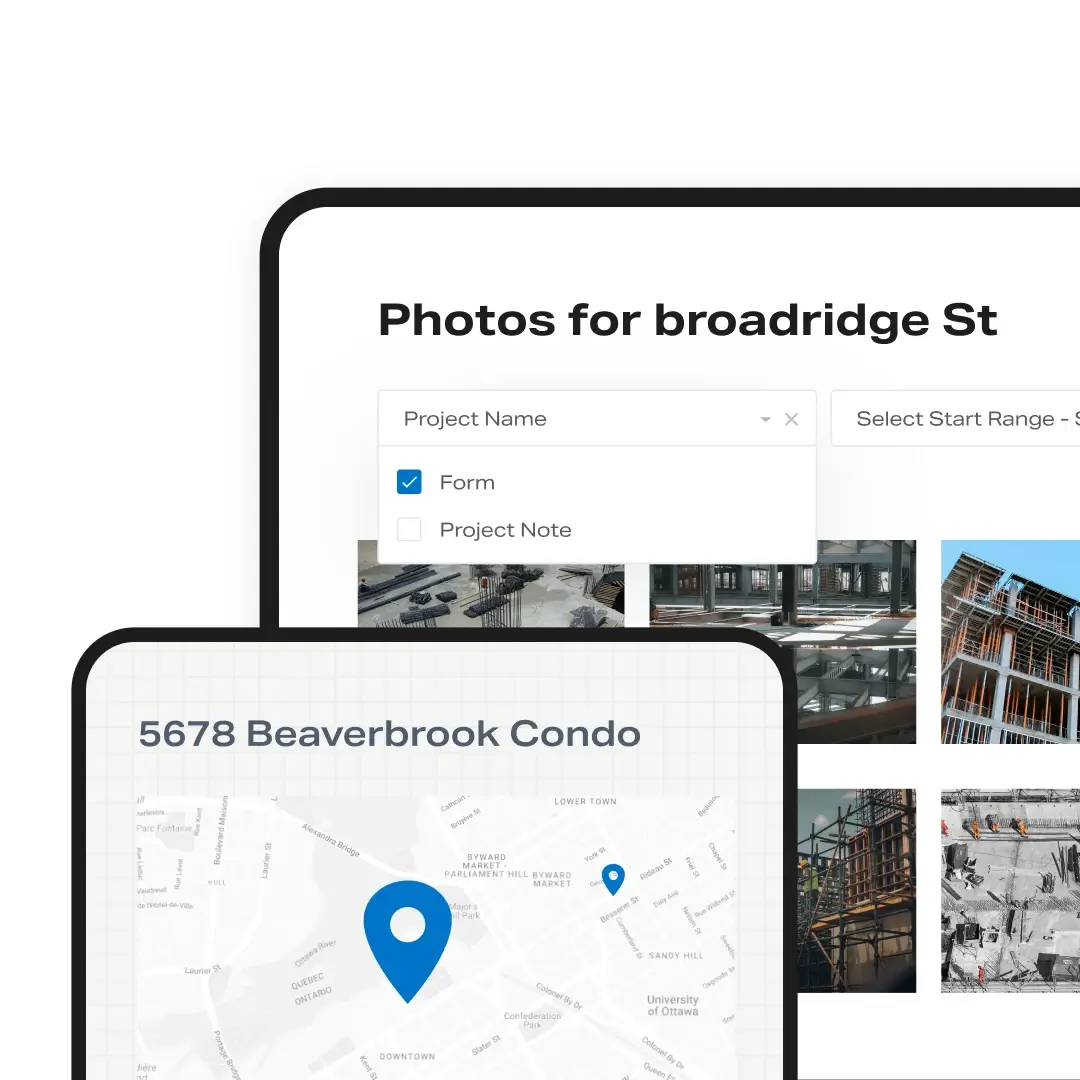
All of it. Completed forms are filed by project, date and worker and download singly or in bulk. Certifications export by worker or company-wide. Cases export with their manifest. Forms can be shared to a general contractor through GC Mode or sent to an external supervisor for a project. Every project also carries the nearest hospital on record. When the compliance officer asks for the training file, the inspection history and the incident record for a site, they come from a laptop while the officer waits.
OSHA Compliance Software: Frequently Asked Questions
No. Corfix keeps the incident reports and lets you export the reportable fields to a spreadsheet. You decide which cases are recordable, complete the 300 and 300A from that export, and file through OSHA’s Injury Tracking Application yourself.
Your incident form is built in Corfix with the fields you need, by you or by our Customer Success team during onboarding, and every report carries an automatic project, time, document number and version stamp. Job hazard analysis and field-level risk assessment templates are loaded in every account.
As soon as the report is started. Critical Form Notifications alert the people you name the moment an incident form is sent for signature, before it’s complete.
Yes. Every certification a worker holds downloads to PDF from their profile, and the whole company’s certifications export in one file.
Yes. Binders hold your SDS library and written programs, open by QR code on any phone, and work offline.
Yes. Corfix is used by contractors across North America. This page describes how it supports OSHA’s construction standards; the COR certification page covers Canadian programs.
COR Certified with Corfix
“I doubt I will ever go back to paperwork. What I enjoy most is not having to stock pile paper work in my office. It’s so easy to find what I need within Corfix.”
Michael B., Safety and Personnel Manager, Capterra
“We are managing and tracking incidents, conducting audits and inspections and tracking our daily JHAs all in one place. The ability to data mine this information is also a breeze and allows our safety team to share the information with senior management and stakeholders.”
Jacob H., Safety and Training Specialist, utility construction, Capterra
“Corfix does a wonderful job of capturing data in real time, allowing for accurate input, immediate electronic signatures, and consistent reporting.”
Samantha D., Occupational Health and Safety Manager, construction, Capterra
“One of the biggest advantages has been the ability to track and close out safety deficiencies in real time. This has significantly improved communication between field teams and management, reduced delays in corrective actions, and strengthened overall safety performance.”
Verified reviewer, Director of Health and Safety, Capterra
“We set out to improve two areas: completion of forms that were getting lost and tracking of employee training. We have succeeded in both areas.”
Ted L., Safety Director, construction, Capterra
Produce the record. Don’t promise to find it.
Book a 30-minute demo and bring the last document request an inspector or a GC sent you. We’ll show you where each item lives.