The phrase covers four different kinds of product, and they fail in different places. Here is how to tell them apart before you buy.
Search for construction timekeeping software and the first page is a mix of general-purpose time trackers wearing a hard hat for the occasion, apps built from the ground up for a punch clock in a parking lot, timekeeping modules buried inside platforms that mainly do something else, and a few tools where hours live alongside the safety records the crew already fills in every day. All of them track time. They are not the same product, they are not priced the same way, and they fail in different places. This guide sorts them out, tells you which questions point at which type, and covers what it costs and what to ask before you sign.
Corfix is a safety management and worker enablement platform for construction contractors across North America, and timekeeping is the module customers add to it most often, so this is written from what we see on sites and from the sources listed at the end. Where Corfix is named in the body, it is as an example of one of the four types, and the same questions apply to every vendor on your list.
What are the four types of construction timekeeping software?
Construction timekeeping software comes in four types: general-purpose time trackers, construction punch clock apps, timekeeping modules inside a larger platform, and timekeeping inside the safety platform. The split is by what the product was built to do first, because that decides what it does well under a steel toe.
General-purpose time trackers
Harvest, Jibble, actiTIME, and QuickBooks Time were built for many industries at once, and each has a construction page because contractors search for one. They’re inexpensive, several have free tiers, and the field features are better than the label suggests: Jibble’s free plan includes GPS clock-ins and geofencing, and actiTIME lets a foreman submit time for the whole crew against job codes. What’s thinner is the construction layer: cost codes that mirror your estimate rather than generic job and task fields, overtime and statutory-holiday rules by province or state rather than by a company-wide work schedule, one worker on different rates across jobs, and any connection to what else happens on site. They suit a company whose timekeeping problem is “we have no timekeeping” and whose office can live with a spreadsheet export or a QuickBooks sync to payroll.
Construction punch clock apps
ClockShark, busybusy, and ExakTime were designed for crews. Workers clock in and out on a phone or a shared kiosk, GPS or a geofence confirms where the punch happened, a supervisor can see who is on which job, and hours roll up by project and cost code. busybusy’s free tier includes GPS time tracking, equipment tracking, and job costing for unlimited workers, which tells you how far the baseline has moved. This is the type the search results are mostly made of, and the one the phrase “timekeeping app” usually points at.
Timekeeping modules inside a larger platform
Procore, HCSS, and Rhumbix sell timekeeping as one piece of a bigger system: project management, heavy civil estimating and operations, or labor productivity analytics. The timekeeping is capable, and the hours feed whatever else the platform does, which is the point. The trade is that you buy the platform to get the module, the platform is priced accordingly, and the field app is designed around the office’s needs as much as the foreman’s. If you already run one of these for its main purpose, its timekeeping is usually the path of least resistance. If you don’t, it’s an expensive way to buy a time clock.
Timekeeping inside the safety platform
The fourth type puts hours in the same app the crew opens for its daily safety forms, certifications, and toolbox talks. Raken approaches this from daily reporting, with a time clock, kiosk, and time cards alongside daily reports, toolbox talks, checklists, and incident capture. Corfix approaches it from safety management, with a punch clock and time cards sitting beside the forms, certifications, and schedules in one worker record. The argument for this type is in the section on time and safety below. The argument against is that if your safety documentation is still on paper or in a separate system you’re not ready to change, you’d be buying two products to get one.
Side by side, the four types look like this.
| Type | Built for | Strong at | Thin on | Examples |
|---|---|---|---|---|
| General-purpose time trackers | Many industries at once | Low cost and free tiers, timesheets, approvals, and payroll exports; some offer GPS and kiosks | Cost codes tied to an estimate, overtime and holiday rules by province or state, multiple rates for one worker, any link to site safety | Harvest, Jibble, actiTIME, QuickBooks Time |
| Construction punch clock apps | Crews on jobsites | GPS and geofenced punches, kiosks, cost codes, job costing, supervisor view of who is where | What else happened on site that day; safety records live elsewhere | ClockShark, busybusy, ExakTime |
| Modules inside a larger platform | The platform’s main job: project management, estimating, or productivity analytics | Hours feeding the rest of the platform without re-entry | You buy the platform to get the time clock; the field app follows the office’s needs | Procore, HCSS, Rhumbix |
| Timekeeping inside the safety platform | The crew’s daily safety workflow | Hours beside forms, certifications, and schedule; punches tied to safety forms; one record of who was on site | Needs safety documentation in the same system; two products in one if yours is still on paper | Raken, Corfix |
How do you know which type you need?
Name the question you can’t answer today. Each of the common ones points at a type.
“Are hours getting to payroll clean, and on time?” Payroll is a scramble every other Friday, the office is chasing foremen for paper cards, and someone is re-keying hours into the accounting system. Any of the four types fixes this, so choose on price and on how little training the crew will tolerate. A punch clock app is the usual answer.
“Where did the labor dollars go on this job?” You bid by cost code, but the hours come back as a lump per worker per day, so you can’t tell whether the formwork or the finishing blew the budget until the job closes. You need cost codes that workers can tag without thinking about it, a supervisor who can correct entries on the spot, and exports that keep the codes intact. That pushes you past the general-purpose tools, unless their job and task fields map cleanly onto your cost codes, and into the punch clock apps or a platform module.
“Can I prove who was on site, and when?” A client disputes an invoice, an inspector asks who was in the excavation on Tuesday, or a compensation claim lands and the only record is a foreman’s memory. You need time-stamped, location-confirmed records that are filed by project and searchable later. Punch clock apps do this. So does the safety-platform type, with the difference that the time record sits next to the incident report, the orientation sign-off, and the daily hazard assessment for the same site and day.
“Did they do the safety work before they started?” Hazard assessments are being filled in at lunch, or not at all, and nobody can see the gap until the audit. This is the question only the fourth type answers, because it needs the punch and the form to be in one system. If this is your question, the other three types will give you hours and leave the problem where it is.
You may need two of these answers at once, and plenty of contractors do: clean payroll and job costing, or job costing and safety records. Pick the type that answers the harder question and check it also answers the easier one.
Punch clock or time cards: how do your crews actually enter time?
The types above all offer a punch clock, the construction-specific ones offer a time card as well, and the choice between the two matters more than the brand. Decide this before the demo, because a vendor will show you whichever looks slicker.
A punch clock records a start and a stop as they happen, from the worker’s own phone or a shared device at the gate. The record is time-stamped and, if you turn it on, location-stamped. It produces the most defensible record and the least admin, and it requires every worker to do something at 7:00 a.m. that they didn’t do before. On a site with a hundred workers, a punch clock lives or dies on how fast the punch is and whether a forgotten punch-out can be corrected without a phone call to the office.
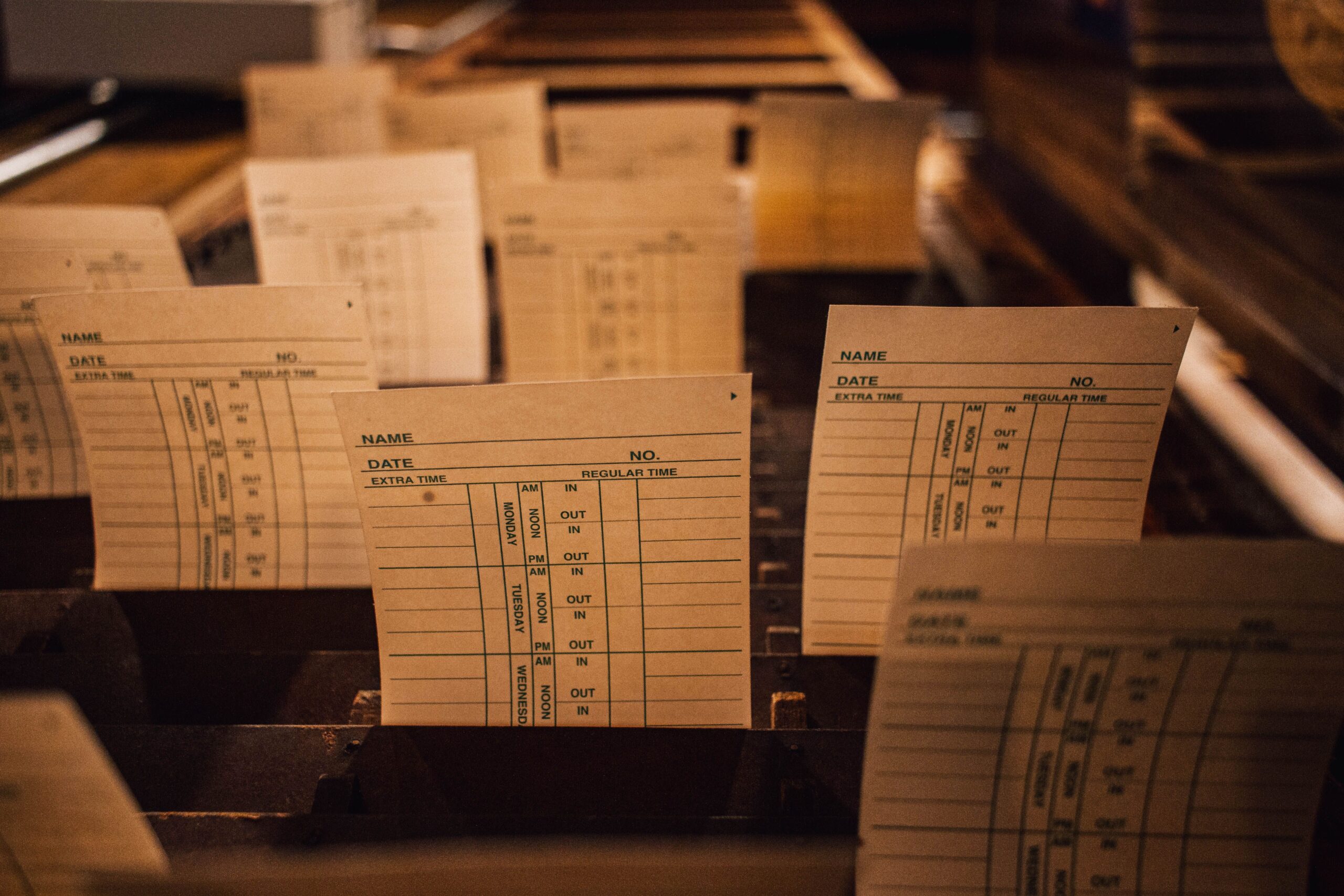
A time card is entered after the fact. A worker fills in their day, or a supervisor enters hours for the whole crew in one batch at the end of the shift or even the end of the week. It mirrors the paper card crews already know, it costs the worker nothing during the day, and it depends on the supervisor’s memory and honesty rather than a timestamp. For crews that start and finish together on one site, a supervisor’s batch entry is often the right answer, and the office’s job becomes approval rather than data entry.
Two practical points decide which you want. The first is whether your crews split across sites or change jobs during the day; if they do, a punch clock with job switching captures the split and a time card asks the supervisor to reconstruct it. The second is signal. A punch happens where the worker is standing; a time card can be filled in from the truck at the end of the day. Ask every vendor what their punch clock does with no signal, because the answers range from “it works and syncs later” to “it doesn’t,” and the vendor’s page won’t always say which.
The good news is you don’t have to choose for the whole company. Punch clock for the roving service crews, time cards for the crew that’s on the same site for six months, both feeding the same approvals and the same export. Any tool in the construction-specific types should support that, and some general-purpose ones do as well.
What features matter most in construction timekeeping software?
Assuming you’ve picked a type, here’s what separates tools that stay in use from tools that go back to paper.
Cost codes the crew will actually use
Job costing only works if the code gets attached at the moment the hours are recorded, not reconstructed by the office on Monday. The test is how many taps it takes a worker to tag the right code, and whether a supervisor can fix a wrong one from the field. On the Corfix Timekeeping page this is a cost code menu on the time entry, with the codes defined by the company so they match the estimate.
Overtime, statutory holidays, and multiple rates, calculated for you
Construction pay has rules that office time trackers don’t model: daily and weekly overtime thresholds that differ between provinces and states, statutory holiday pay, workers who earn different rates on different jobs or in different roles, union remittances. The software should calculate regular, overtime, and holiday hours from the raw time, and it should handle a worker who is on two sites in different roles in the same week without a spreadsheet. If a vendor says “you can set that up in the export,” they mean you’ll do it in Excel.
Approval that takes minutes, not an afternoon
Hours need a supervisor’s approval before payroll, and the approval screen is where the office spends its time. Bulk approval by project or crew, exceptions flagged (a 14-hour day, a punch outside the geofence, a missing punch-out) rather than every entry needing a click, and reminders that go to the worker instead of to the office.
Payroll-ready exports, and an integration if you need one
At minimum the tool should export approved hours, filtered by project, cost code, and worker, in a format your payroll or accounting system imports without re-keying. A direct integration is better if your payroll system is one the vendor supports; ask which ones, and ask whether the integration is included or a separate product. Corfix, for example, exports approved time for import, and its direct payroll connections, Corfix Connect, come with one basic Prefab Connector on Corfix Safer and two on Corfix Safest.
Built for the field first
The worker’s experience is the whole adoption question. Large buttons, a punch that completes in two taps, a photo or a note attached to a day where it’s needed, reminders to punch out, and an app that doesn’t need the office to explain it. If the vendor’s demo starts on the desktop dashboard, ask them to start again on the phone.
A record you can defend
Every entry should carry who made it, when, and from where, and every edit should carry who changed it. When an invoice is disputed or a back-charge arrives, time-stamped and location-confirmed hours filed by project are the difference between an argument and a document.
Why should your time records and your safety records share one system?
This is the part of the buying decision a timekeeping-only vendor can’t speak to, because the product has never met a safety form.
Consider the sequence on a site where time and safety live in different systems. The daily hazard assessment is supposed to be done before work starts. The punch clock records that the crew started at 7:02. The safety platform records that the hazard assessment was signed at 11:40, by four of the nine people who punched in. Nobody sees the gap, because the two records never sit side by side, and the first time anyone puts them together is during an incident investigation, which is the worst possible time to learn that the crew had been working for four hours before anyone assessed the hazards.
The failure is architectural. When hours and safety records are in separate systems, someone has to reconcile them by hand, and that reconciliation is the task that gets skipped when the week gets busy. The alternative is to run both off one worker record, so that the punch and the form are the same event. In practice that looks like a form that has to be completed before the punch-in counts, a punch-out that can’t close until the end-of-day form is signed, a form created on a project that goes to everyone scheduled there or punched in with one tap, and a headcount for the day that comes from the time log rather than from a clipboard.
Corfix is built this way because safety documentation came first and timekeeping was added onto that foundation. On the Corfix Timekeeping page this appears as mandatory form completion on punch-in and punch-outs tied to safety tasks, with the hours, the forms, the certifications, and the schedule for a worker all in one record. The practical result is that the question “who was on site on Tuesday, and had they done their orientation and their hazard assessment” has one answer in one place, which is also the answer a near-miss or incident investigation starts with.
The same logic runs in the other direction. A crew schedule that knows who is certified, a punch clock that knows who was scheduled, and a form that knows who punched in are three views of the same day. Separate tools give you three versions of it.
Whether or not you end up with Corfix, ask every vendor on your list a direct version of this question: when a worker punches in, what does your system know about whether they’ve done the safety work for that site? The answers sort the field quickly.
What does construction timekeeping software cost?
Pricing is more public in this category than in scheduling, and the models differ enough that two quotes aren’t comparable until you’ve asked how the vendor counts people.
Free tiers exist and are real. busybusy’s free plan covers GPS time tracking, equipment tracking, and job costing for unlimited workers, with its Pro plan at $9.99 per worker per month on annual billing (or $11.99 monthly) plus a $40 monthly admin license, according to its published pricing. Jibble also runs a free tier. Free gets you clocking; the paid tiers add photo verification, scheduling, supervisor tools, and reporting.
Base fee plus per-worker is the common model for punch clock apps. ClockShark’s help center lists its Standard plan at a $40 monthly base fee plus $9 per active user, and Pro at $60 plus $11. The base fee makes small crews relatively expensive per head and large crews relatively cheap, so a 15-person crew and a 150-person company should run the arithmetic separately.
Platform modules are priced with the platform. Procore, HCSS, and Rhumbix don’t publish per-worker timekeeping prices because timekeeping isn’t what you’re buying; the quote reflects the whole system.
Safety platforms price per worker, with timekeeping as an optional extension. Corfix prices per worker per year and sells Timekeeping as the step from its Corfix Safer plan to Corfix Safest; quotes are by team size, and the pricing page explains the approach. The comparison to make here isn’t against a punch clock app alone but against a punch clock app plus whatever you pay for safety documentation today.
Two costs don’t appear on any price page. The first is who gets counted: some vendors bill only active users in a period, some bill every worker with a login, and the difference at 200 workers is large. The second is adoption. A tool the field won’t open returns nothing whatever it cost, so budget for the rollout and the first month of reminders, not just the license.
What to ask a vendor before you buy
- Which of the four types are you? Ask what the product was built to do first. The answer predicts where it’s strong and where it’s thin.
- Show me a punch from the field, on a phone, with the cost code. Count the taps. Then ask them to correct a forgotten punch-out from the same phone.
- What happens with no signal? Get a plain answer for the punch clock and for time card entry separately, and have them show it with airplane mode on.
- How do you calculate overtime and statutory holidays in my province or state? Then ask about a worker on two rates in one week.
- Who do you count, and what does this cost at double my headcount? Active workers or every login, base fee or not, and the price at the size you expect to be in two years.
- What does the export look like, and which payroll systems do you connect to directly? Ask whether the integration is included or sold separately.
- When a worker punches in, what does your system know about their safety work for that site? The question from the section above. If the answer is “nothing,” make sure that’s an answer you can live with.
- Can I talk to a customer my size in my trade? Then ask that customer how the first payroll run went.
FAQ
What is construction timekeeping software?
Construction timekeeping software records when workers start and stop, attaches the hours to a project and cost code, routes them to a supervisor for approval, and exports or sends them to payroll. The term covers general-purpose time trackers with a construction page, construction-specific punch clock apps, timekeeping modules inside project or field platforms, and timekeeping built into a safety platform. The four types differ in cost codes, pay-rule handling, field usability, and what else the hours connect to.
What is the difference between a punch clock app and digital time cards?
A punch clock records start and stop times as they happen, from a phone or a shared kiosk, usually with a timestamp and a location. A digital time card is entered afterward, by the worker or by a supervisor for a whole crew. Punch clocks give the most defensible record and need every worker to act at the start of the shift; time cards cost the worker nothing during the day and rely on the supervisor. Many contractors run both.
What time records does the law require a contractor to keep?
Under the US Fair Labor Standards Act, employers must record hours worked each day and total hours each workweek for non-exempt workers, keep time cards for two years and payroll records for three, and may use any timekeeping method as long as it is complete and accurate. Ontario’s Employment Standards Act requires the hours worked each day and each week to be recorded and kept for three years. Other provinces and states set their own rules.
Does construction timekeeping software work without cell signal?
It depends on the product and on how time is entered. Some punch clock apps record the punch on the device with no signal and sync when the connection returns; others need a connection to punch at all. Time card entry is usually done from the truck or the trailer at the end of the day, where signal matters less. Ask the vendor to demonstrate both with the phone in airplane mode.
How much does construction timekeeping software cost?
Published prices range from free tiers that include GPS clocking and job costing, through base-fee-plus-per-worker models (ClockShark publishes $40 per month plus $9 per active user for its Standard plan), to per-worker pricing on safety and field platforms where timekeeping is a module. Platform products such as Procore price timekeeping as part of the whole system. The figure to compare is total cost at your real headcount, after asking whether the vendor counts active workers or every login.
Sources
- US Department of Labor, Wage and Hour Division, Fact Sheet #21: Recordkeeping Requirements under the Fair Labor Standards Act: records required, retention periods, and the rule that any complete and accurate timekeeping method is acceptable.
- Government of Ontario, Your guide to the Employment Standards Act: Record keeping: hours worked each day and week, retained for three years.
- busybusy, Pricing: free plan contents, Pro and Premium per-worker pricing, admin license.
- ClockShark Help Center, How billing and payment works: Standard and Pro base fees and per-user pricing.
- Corfix, Timekeeping: punch clock and geofencing, time cards and bulk entry, cost codes, exports, Connect, and mandatory forms on punch-in.
- actiTIME, Time tracking software for construction companies, and Jibble, Time clock app and its construction time clock page: features cited in the general-purpose type description.
- Raken, Most-loved features and its ClockShark comparison page: time clock, kiosk, time cards, toolbox talks, checklists, and incident capture.
- Vendor sites for Harvest, QuickBooks Time, ExakTime, Procore, HCSS, and Rhumbix, consulted for the type descriptions above; no figures from them are quoted.
The bottom line
Decide which of the four types you’re shopping in before you compare products, and decide punch clock or time cards (or both) before the first demo. Name the question you can’t answer today; it points at the type. Then ask every vendor the same eight questions, with your own headcount and your own payroll system in the room.
If your question is “did they do the safety work before they started,” or you’d rather not run a time clock and a safety system as two products, Corfix Timekeeping is the fourth type: a punch clock with optional geofencing and punch-out reminders, time cards with supervisor bulk entry, cost codes, regular, overtime, and statutory hours calculated automatically, and approved hours exported for payroll, all inside the safety platform that holds the crew’s forms, certifications, and schedule. Added to Corfix Safer, it makes the Corfix Safest plan, priced per worker. Request a demo and bring a week of your real time cards to see how they’d look. Pricing is on the pricing page.